Quick commerce ads that win the tile in seconds.
Listings, sponsored placements and availability planning for quick-commerce apps, read at blended level because platform data is thin.
In short
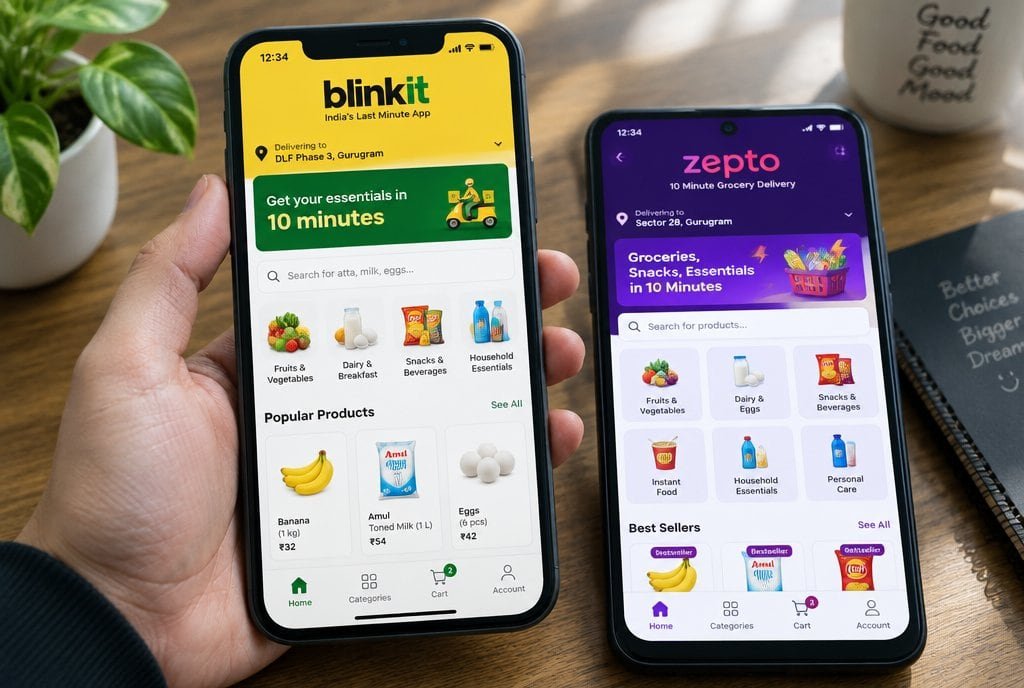
Quick commerce marketing is the work of winning visibility and sales on apps that deliver in minutes, such as Blinkit, Zepto and Instamart, where shoppers choose in seconds and availability decides what they see. MMC runs listings and ads for D2C brands, making listings legible at tile size and planning placements around stock.
- Tiles first. A second or two to earn a tap.
- Availability decides. Ads help only where stock sits.
- A blended view. App data is thin.
Read the full guide
Monday Marketing Company (MMC) runs quick-commerce listings and ads for D2C brands, including The Growing Giraffe, across apps such as Blinkit, Zepto and Instamart.
What we do on quick commerce.
Six jobs for brands selling on Blinkit, Zepto and Instamart.
- Listing and tile. Images, titles and pack information tuned to win the tile on a small screen.
- Platform ads. Search and category ads on each platform, matched to the products that sell.
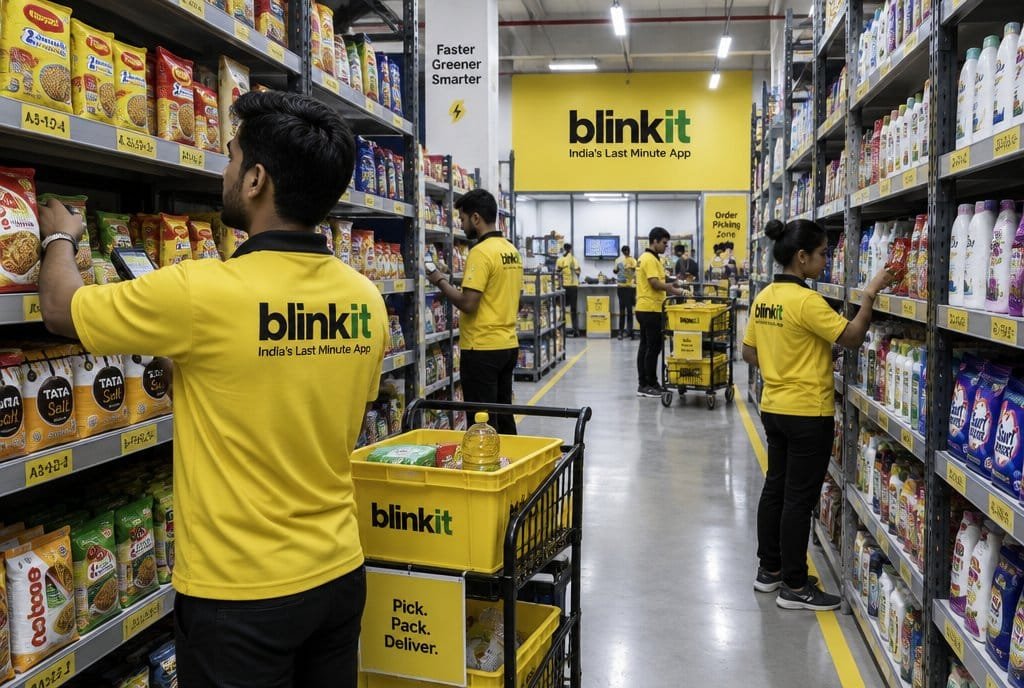
- Dark store visibility. Where your stock sits by city and dark store, and what that means for ads.
- Availability. Early warnings so ad spend does not run when shelves are empty.
- Pricing and offers. Offers and price points reviewed against margin and competitors.
- Blended reporting. Quick-commerce results read next to your site and marketplace sales.
Why brands choose MMC for this
Speed matters here, and so does knowing where your stock is.
- Platform specialists. We run ads on the quick-commerce platforms rather than treating them as an afterthought.
- Stock and ads in step. We link ad spend to availability to avoid wasted clicks.
- Creative for tiny tiles. Images designed for thumbnail size and fast scanning.
- Margin-aware. Offers and spend are judged on what the order leaves after platform costs.
 Blinkit
 Zepto
Zepto Instamart
Win the tile One or two seconds to earn a tap
- Snack bar
- SerumRe-cut
- Jar
- Candle
- Shirt
- Gift box
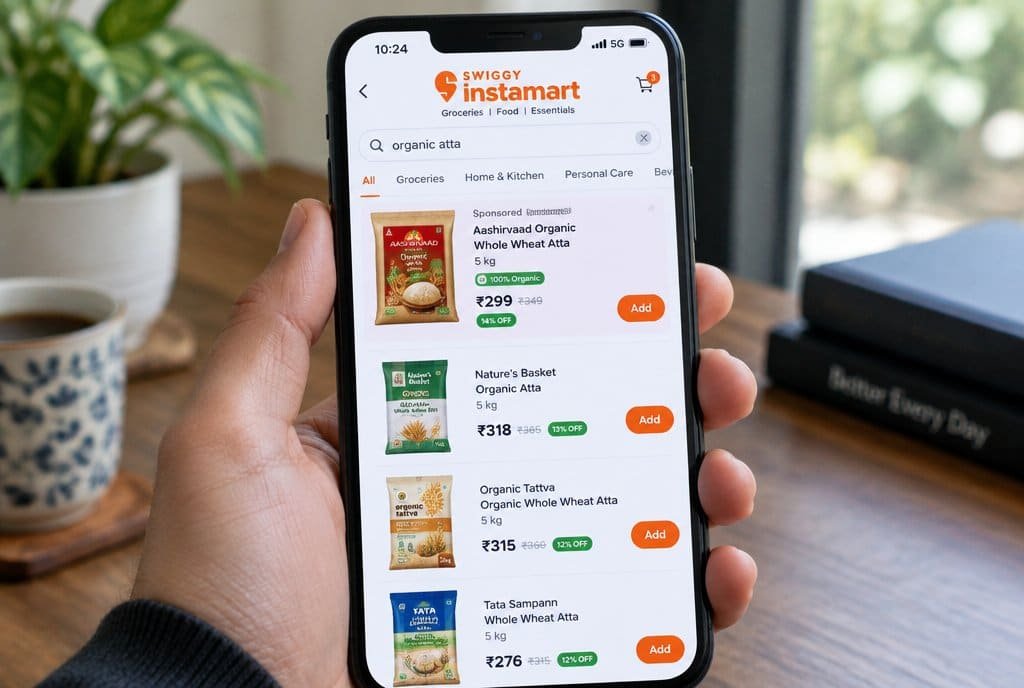
Sponsored placement Bought by search term and category
- Your productAd
- Result 2
- Result 3
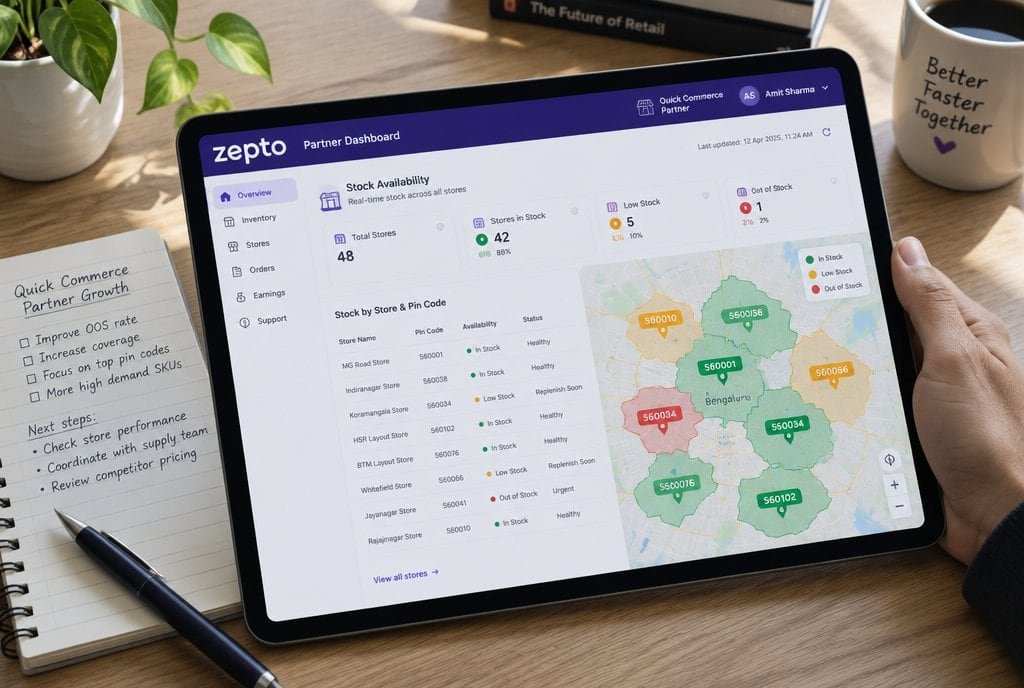
Stock by area Ads run where the product is on the shelf
- Area 1AvailableAds on
- Area 2LowAds trimmed
- Area 3OutAds off
Keep the shelf stocked Signals shared before visibility lapses
Blended read The channel judged on what it adds
App report
AttributedThin dataTotal sales and margin
Business levelRead thisThe work, shown
What we actually do on quick-commerce apps.
- 01
Re-cut your product tile for a tiny screen.
Name, first image and claim are rebuilt to read at a glance, not copied from marketplace listings.
- 02
Buy sponsored slots for the right search terms.
Placements follow the terms and categories that fit the product, with bids adjusted as results come in.
- 03
Run ads only where stock sits.
Spend follows availability by area, so you do not pay to promote an empty shelf.
- 04
Share stock signals with your supply team.
Low-stock warnings reach supply early, so visibility does not lapse.
- 05
Read quick commerce next to total sales.
App data is thin, so the channel is judged on blended sales and margin.
Where it leaks
Five ways quick-commerce spend goes wrong.
- 1
Listings and imagery
Reusing marketplace images on a tile-sized screen.
Shoppers scroll fast on a small screen. The image, name and claim must work in a second.
How we run it. We re-cut images, names and claims for tile-first browsing, so the product reads at a glance.
- 2
Sponsored placements
Bidding broadly across the app.
Search and category placements behave differently, and spend is wasted where the product is not the obvious choice.
How we run it. We plan sponsored placements by the search terms and categories that fit the product, and adjust bids as results come in.
- 3
Dark-store availability
Advertising where the product is not stocked.
Each dark store serves a small area. If your product is out of stock there, an ad reaches shoppers who cannot buy it.
How we run it. We plan ads around availability by area, so spend follows where the product can actually be delivered.
- 4
Availability and replenishment
Treating stock as someone else's job.
Out-of-stock products lose visibility and shoppers, and it can take time to win them back.
How we run it. We work with your supply team on availability signals and replenishment, so visibility does not lapse.
- 5
Measurement
Expecting clean attribution from each app.
Platform data is limited, so app-level numbers can mislead.
How we run it. We read quick-commerce results alongside your total sales and margin, and judge the channel on what it adds to the business.
Selected work
A few of the brands we run performance marketing for.
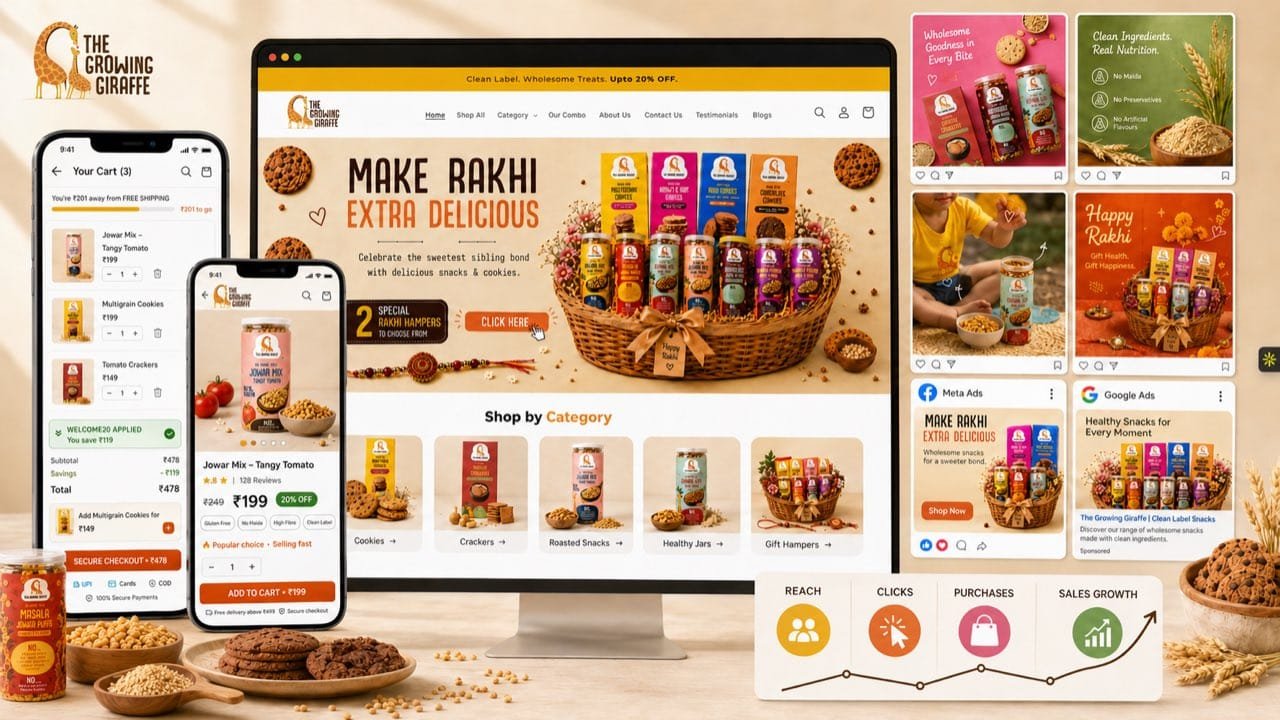
 Kids' products: tiles and listings prepared for quick-commerce apps.See the work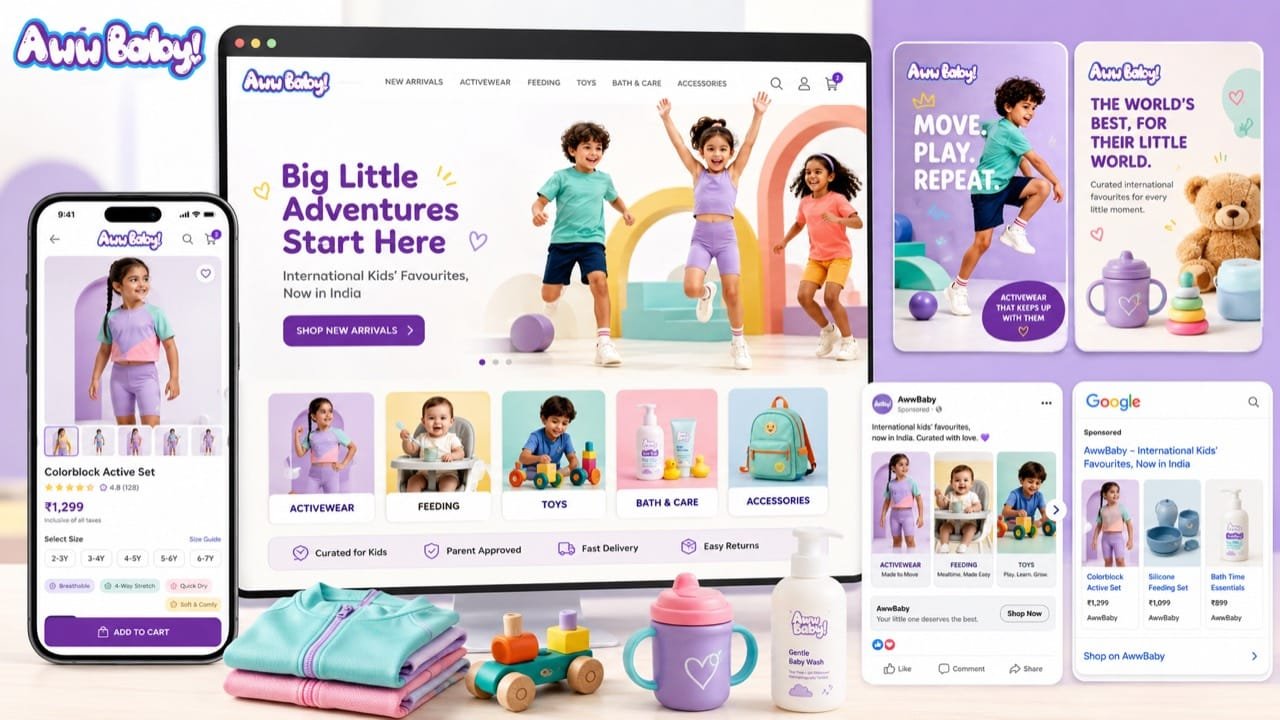
 Baby products: performance marketing and creative.See the work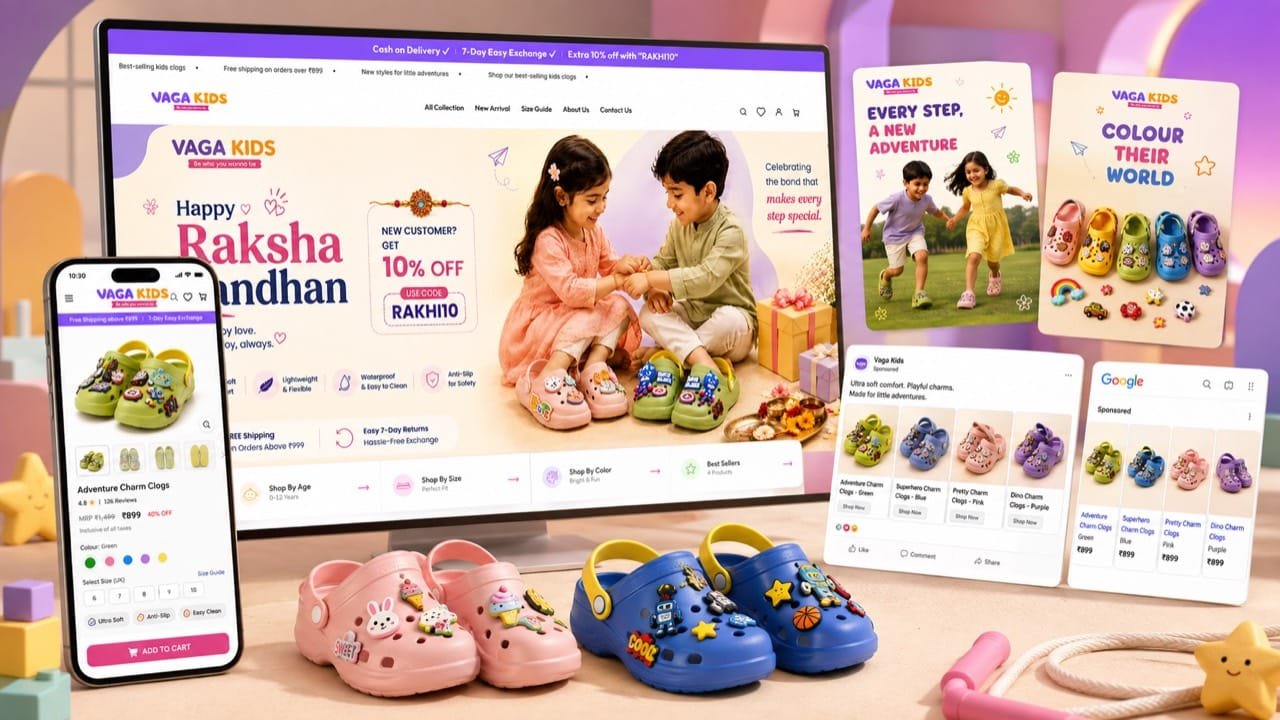
 Kids' products: performance creative with short names and clear claims.See the work
A few more. Hover or tap a logo.
What we read
- Availability by area
- How often the product is in stock where shoppers are.
- Sell-through
- How fast stock moves once it is listed.
- Blended sales impact
- What the channel adds to total sales.
- Break-even ROAS
- The ROAS you need to stop losing money.
Read against your own costs and margin.
Your first 90 days
How we run quick-commerce ads, week to week.
Days 1 to 30
Win the tile
Pack, name and first image are made legible at thumbnail size, and listings are checked on each app.
You get: A listing understood at a glance.
Days 31 to 60
Plan around availability
Sponsored placements are matched to where stock sits, with your supply team on the signals.
You get: Ads that run where you can deliver.
Days 31 to 60
Set the search and category plan
Terms and categories that fit the product get the budget, and bids move with results.
You get: Spend that follows what shoppers type.
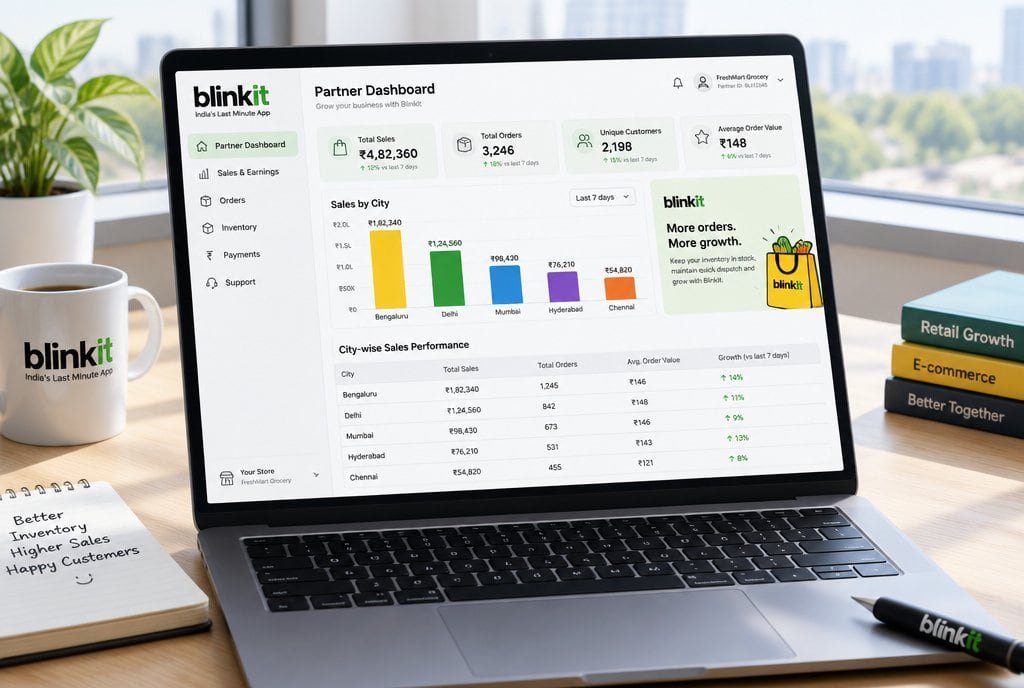
Days 61 to 90
Read it at blended level
App numbers sit beside total sales and margin, then budget moves to what adds profit.
You get: A channel judged on what it really adds.
The days show the order of the work, not a promise of results. What we find in your account decides how long each part takes.
Quick commerce ads for brands that can keep the shelf stocked.
A good fit
You sell fast-moving consumer products and can keep dark stores supplied.
Visibility on these apps depends on availability, so it suits D2C brands with a reliable supply chain.
Not a fit
You cannot yet supply the apps reliably, or want results from ads alone.
Ads on an out-of-stock listing waste money, so supply has to come first.
Common questions
Questions about quick commerce advertising.
What is quick commerce advertising?
Quick commerce marketing is the work of winning visibility and sales on apps that deliver in minutes, such as Blinkit, Zepto and Instamart, through better listings, well-placed sponsored ads and careful planning around what is in stock.
How does quick commerce advertising work with MMC?
We make the listing legible at tile size, plan sponsored placements around availability, and review results every week at blended level, because app-level data is limited.
What does quick commerce advertising cost?
Your ad spend is paid to the quick-commerce apps and sits outside our fee. We quote our fee after a call, once we have seen the account and agreed what we will run. We do not publish a price list, because the right scope depends on your spend and your margins.
Do you guarantee results?
No. We cannot guarantee visibility or sales on apps we do not control. We commit to well-made listings, careful placement and honest reporting, with results judged on contribution margin, not on what a platform reports.
Who is quick commerce advertising for?
Quick commerce is mainly a D2C channel, so it suits D2C brands that can supply dark stores. B2B companies and educational institutes are usually better served by lead generation, which we also run.
What do you need from us?
App seller or brand panel access, your catalogue and margins, stock and replenishment visibility, and your pack and listing images.

Find out what quick commerce could add.
On a call, with a senior strategist. We look at your listings, stock and placements together.
Run the numbers, read the method
Tools and guides behind the numbers.
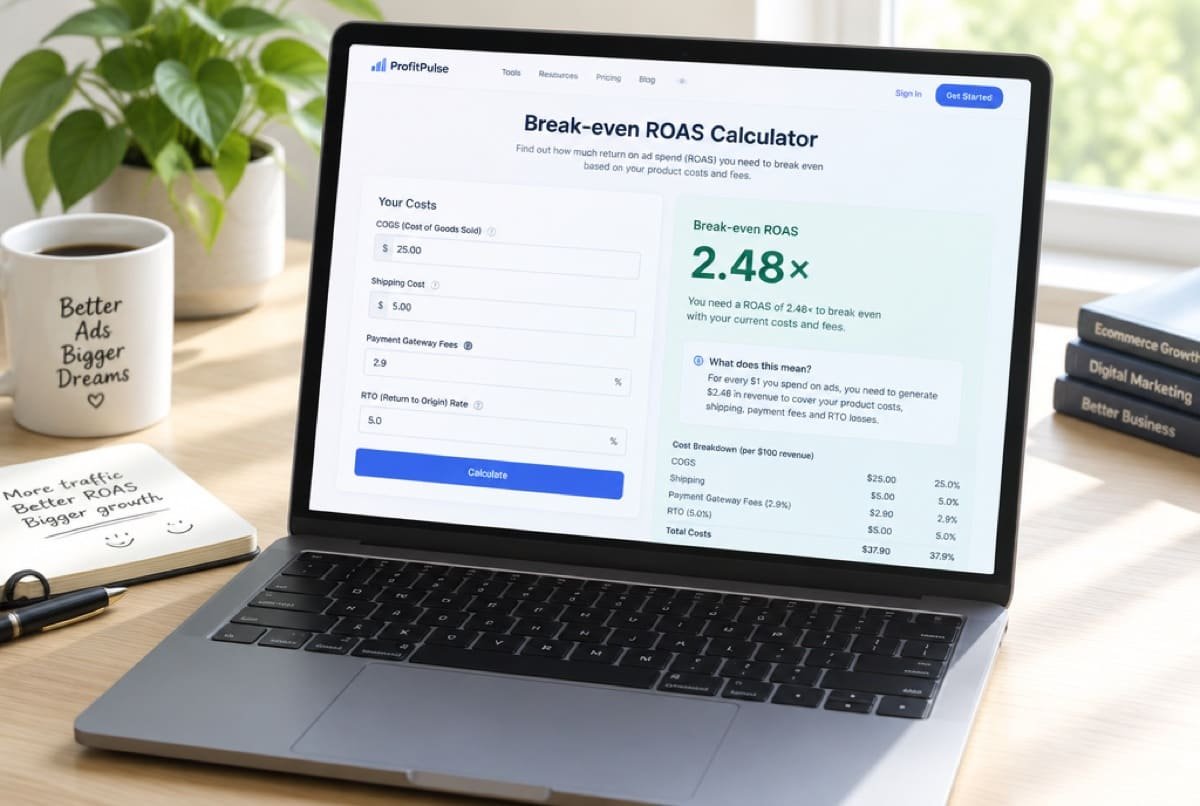 CalculatorBreak-even ROASThe ROAS you need before you start losing money.Open the calculator
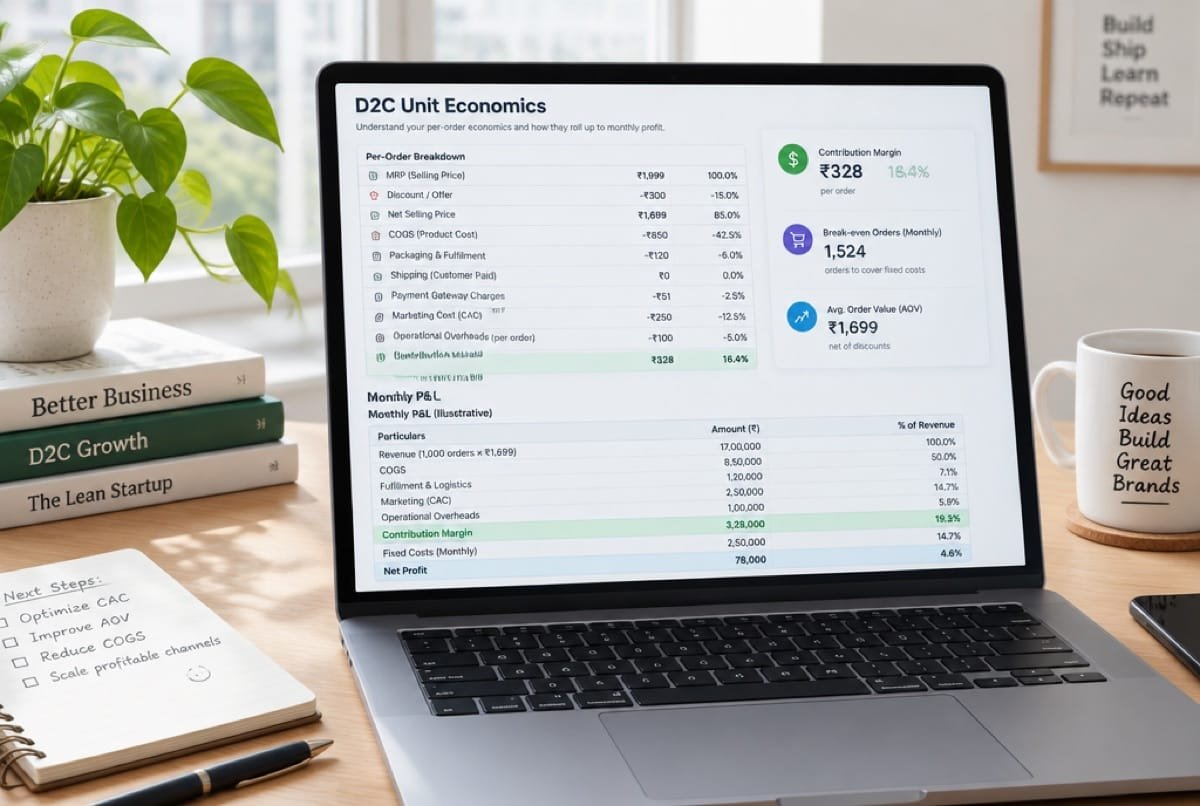 CalculatorUnit economicsWhat one order leaves behind, from CM1 to CM3.Open the calculator
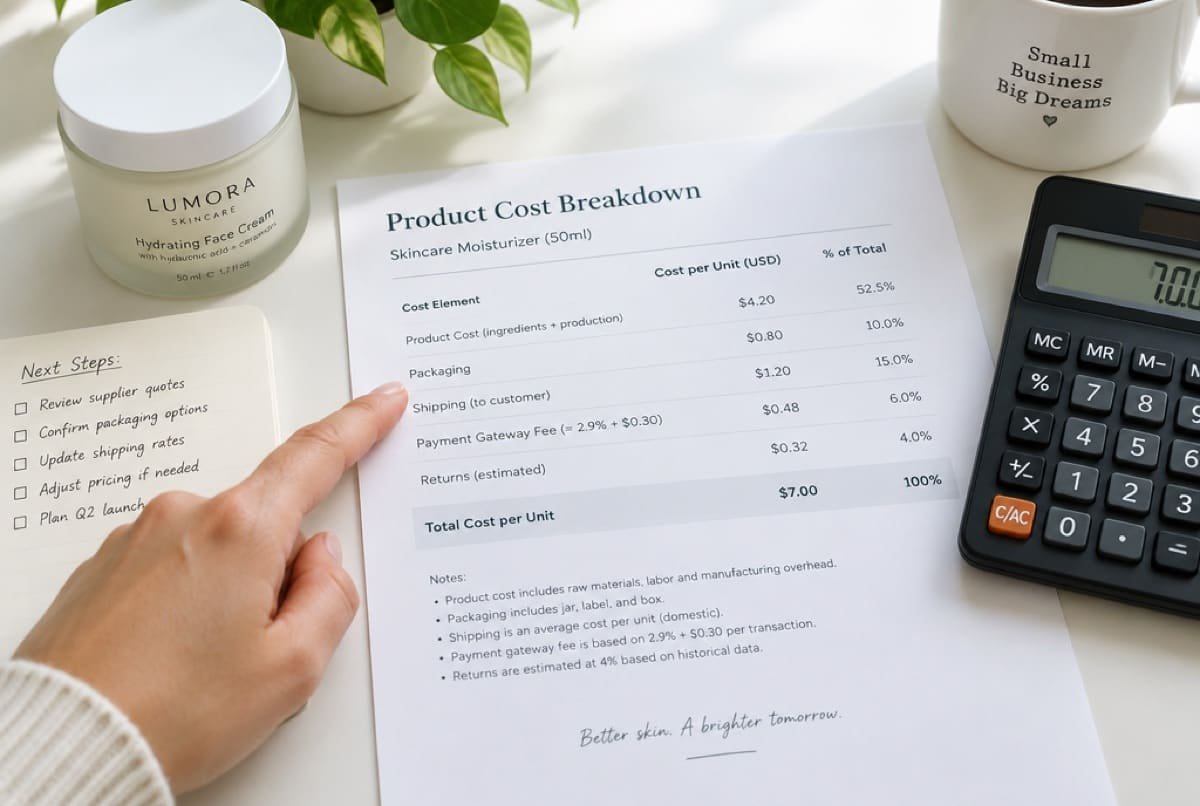 GuideContribution margin and break-even ROASWhat one order leaves behind after product, shipping, fees and returns, and the ROAS a campaign must beat to break even. Includes a calculator for your costs.Read the guide
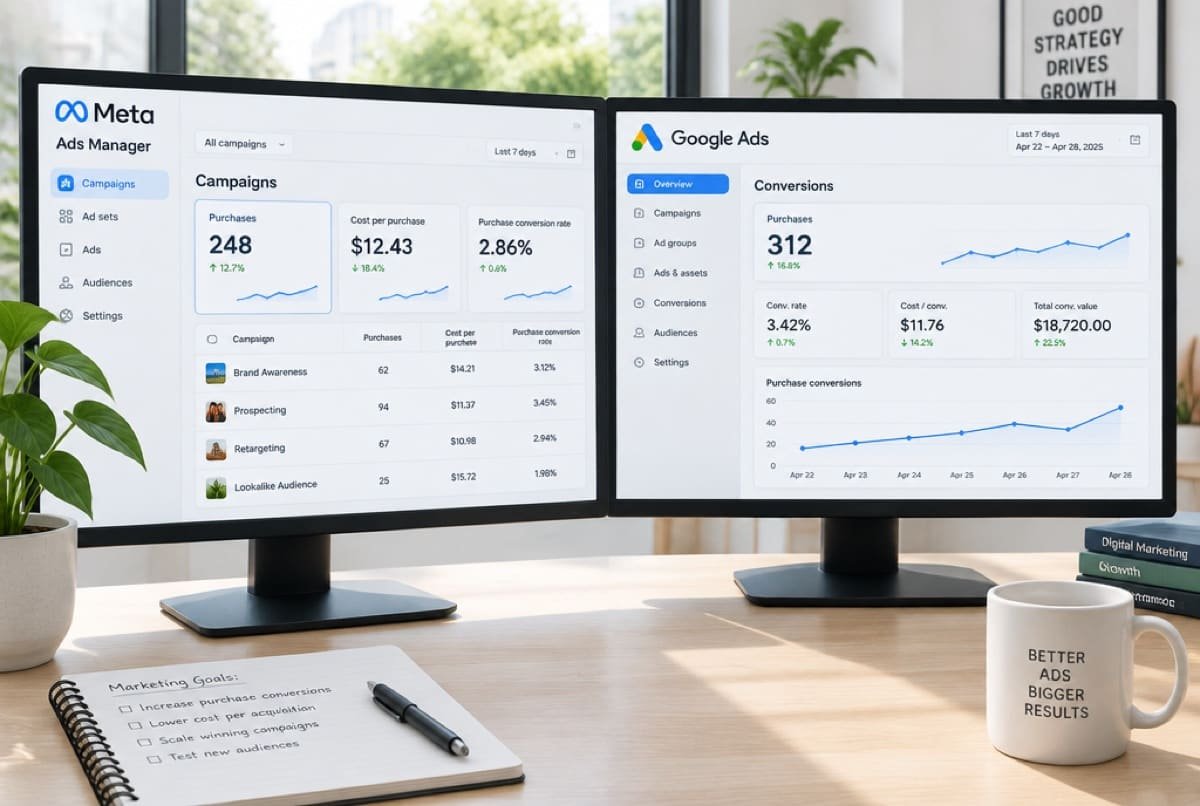 GuideWhy ad dashboards over-count salesMeta, Google and your store each count their own conversions, so the totals never match. Here is why dashboards over-count and how to read results anyway.Read the guide
Ready when you are
Find out what quick commerce could add.
On a call, with a senior strategist. We look at your listings, stock and placements together.