WooCommerce stores that run on WordPress.
A store on WooCommerce is only as good as its catalogue, checkout and upkeep. We build it so shoppers can buy quickly and your team can run it without a developer.

In short
WooCommerce development is the work of building an online store on WordPress: the catalogue and variations, the cart and checkout, payments, shipping and tax, and the speed and plugin setup behind them. Done well, shoppers buy in a few taps and your team manages orders and stock alone.
- A catalogue that stays clean. Variations and categories planned before code.
- A checkout that is short. Payments and shipping set for your buyers.
- A store your team runs. Orders, stock and a guide at handover.
Read the full guide
Monday Marketing Company (MMC) builds WooCommerce stores for D2C and B2B brands that want an owned store on WordPress, and recommends Shopify when that fits better. The store hands over with a clear guide for your team.
What a WooCommerce project covers
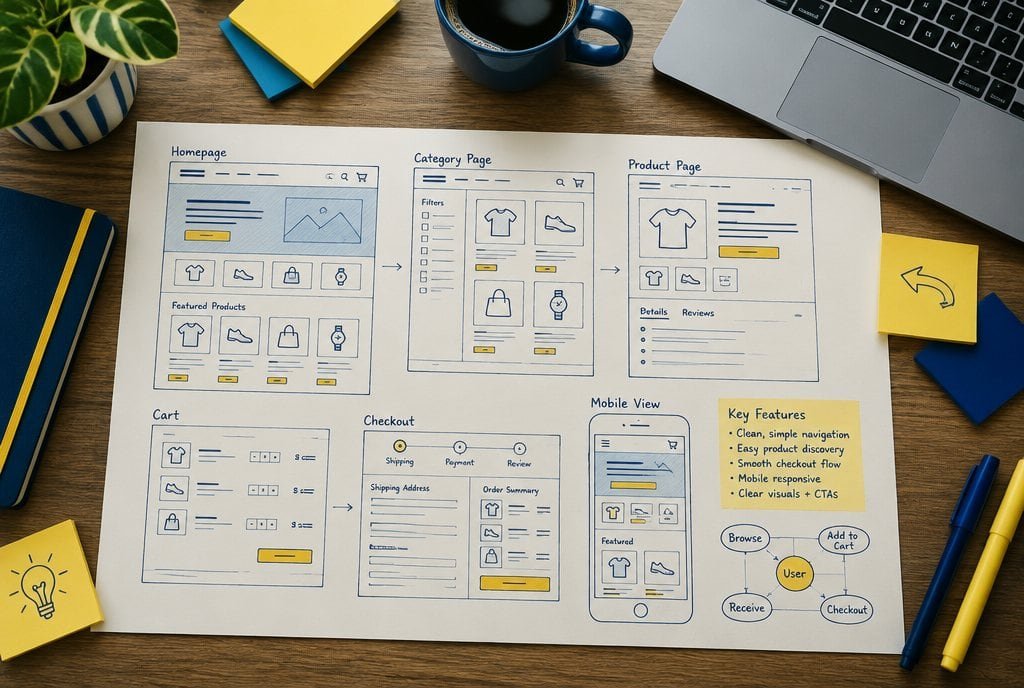
A WooCommerce store is a WordPress site with a shop bolted on, so two things have to work together: the content side and the store side. We plan the catalogue, the checkout, the shipping and tax rules and the plugin list before we write code.
The result is a store that loads quickly on a phone, takes payments the way your buyers prefer, and does not break when an update arrives. For the wider site, theme and editing set-up see WordPress development.
WooCommerce compared with Shopify
Both can run a good store. The right one depends on how your team works. This is how we frame the choice.
What we build in WooCommerce.
From catalogue to checkout, for stores that sell online.
- Catalogue and variations. Products, sizes, colours, categories and attributes planned so filters and stock stay clean.
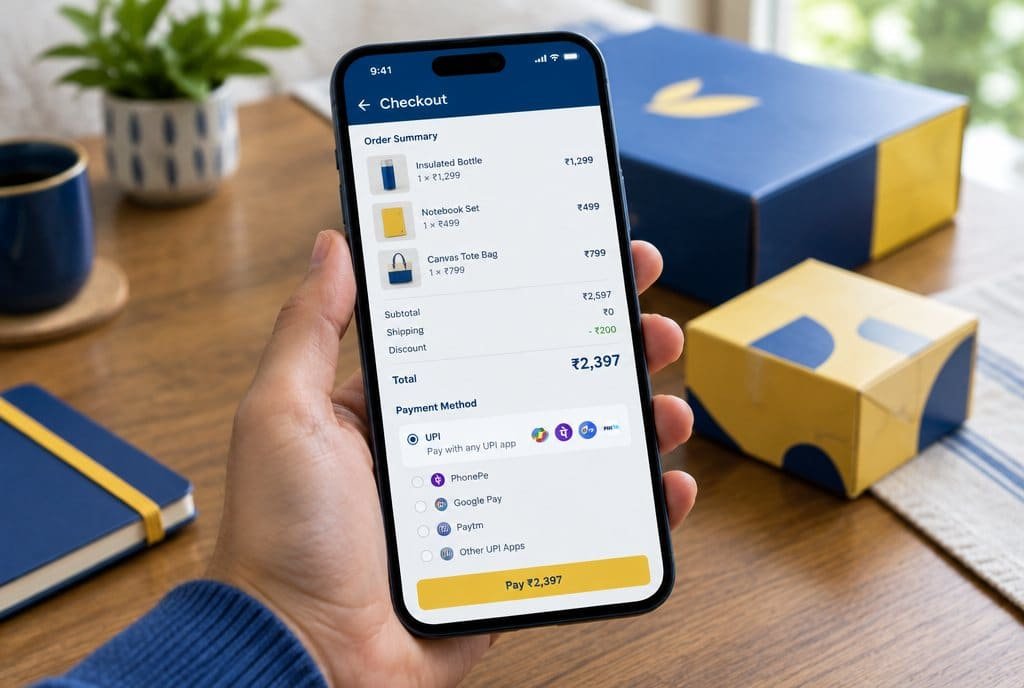
- Checkout and payments. A short checkout with cards, UPI and cash on delivery, and the gateway you choose.
- Shipping and tax. Zones, rate rules and tax settings built from your courier terms.
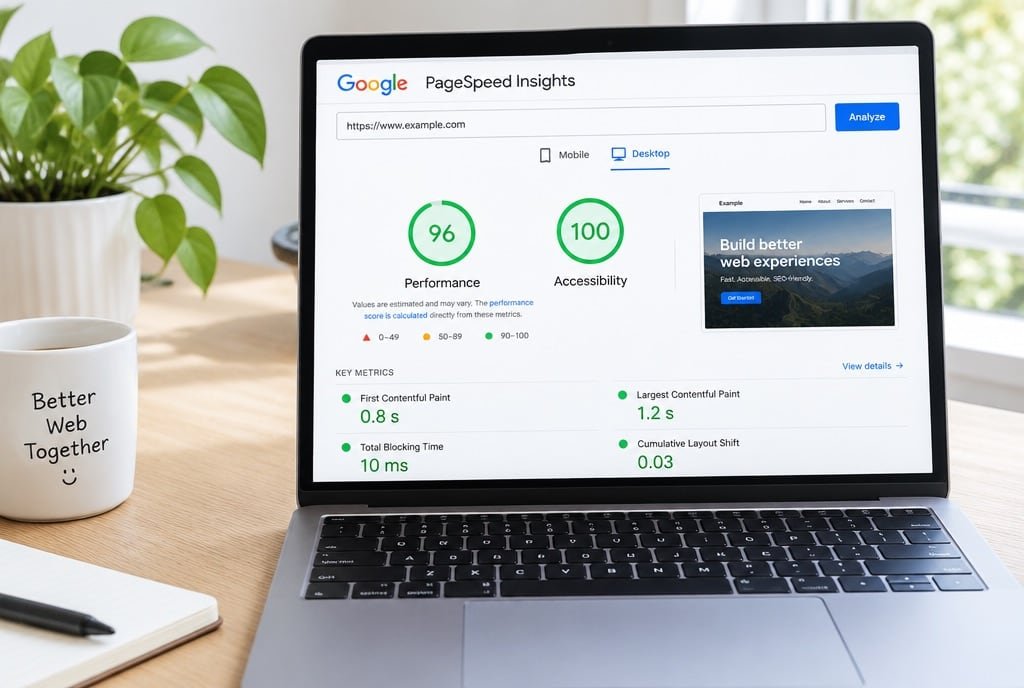
- Speed and plugins. Caching, image handling and script clean-up, with plugins kept few.
- Migration. Products, customers and orders moved with redirects in place.
- Orders and handover. Order statuses, emails and stock alerts, with training for your team.
Why brands choose MMC for WooCommerce
A shop is a promise. It has to load, take payment and ship.
- Honest platform advice. If Shopify fits better, we say so before you spend.
- Built to be run. Order, stock and refund screens your team can use on day one.
- Search-ready. Clean headings, fast pages and product schema from the start. We also run SEO.
- One accountable team. Design, build and ongoing care sit under one roof.
Products and variations
Payment methods
Shipping zones and tax
Plugins and speed
Orders and stock
The work, shown
What we actually do on your WooCommerce store.
- 01
Plan products, variations and categories.
Attributes and categories are agreed first, so filters, feeds and stock counts stay clean.
- 02
Set up a short checkout and payments.
Cards, UPI, cash on delivery and the gateway you choose, with fewer fields to fill.
- 03
Build shipping zones and tax rules.
Rates come from your courier terms and your accountant's advice, not guesses.
- 04
Keep plugins few and the shop fast.
Extras are removed, caching is on, and updates are tested before they go live.
- 05
Hand over orders and stock to your team.
Order statuses, emails and low-stock alerts are set, and your team is trained to run them.
Where it leaks
Five ways a WooCommerce store loses the sale.
- 1
Catalogue
Variants and categories added as the range grows.
Messy attributes make filters, feeds and stock counts unreliable.
How we run it. We map products, variations and attributes first, so filters and stock work from day one.
- 2
Product page
Pages that bury size, price or delivery details.
A shopper who cannot choose a size or see delivery leaves.
How we run it. We design product pages with clear variation pickers, photos and delivery information.
- 3
Speed and plugins
A plugin pile-up that slows the shop.
Every plugin adds weight, update work and risk.
How we run it. We keep plugins few, add caching, clean up scripts and test on a phone.
- 4
Checkout, shipping and tax
Long forms, missing payment methods, wrong rates.
Every extra field is a reason to leave, and wrong rates eat margin.
How we run it. We set up a short checkout, the payments your buyers use and rates built from your courier terms.
- 5
Tracking and orders
A shop only the developer can run, with orders you cannot read.
If staff cannot manage orders and stock, the shop stalls.
How we run it. We set up tracking, order statuses and stock alerts, train your team and can stay on under maintenance.
How the work runs
How we run WooCommerce builds, step by step.

Step 1
Plan the store
We map products, variations, shipping, payments and integrations, then agree the scope in writing.
You get: A written scope you have approved.
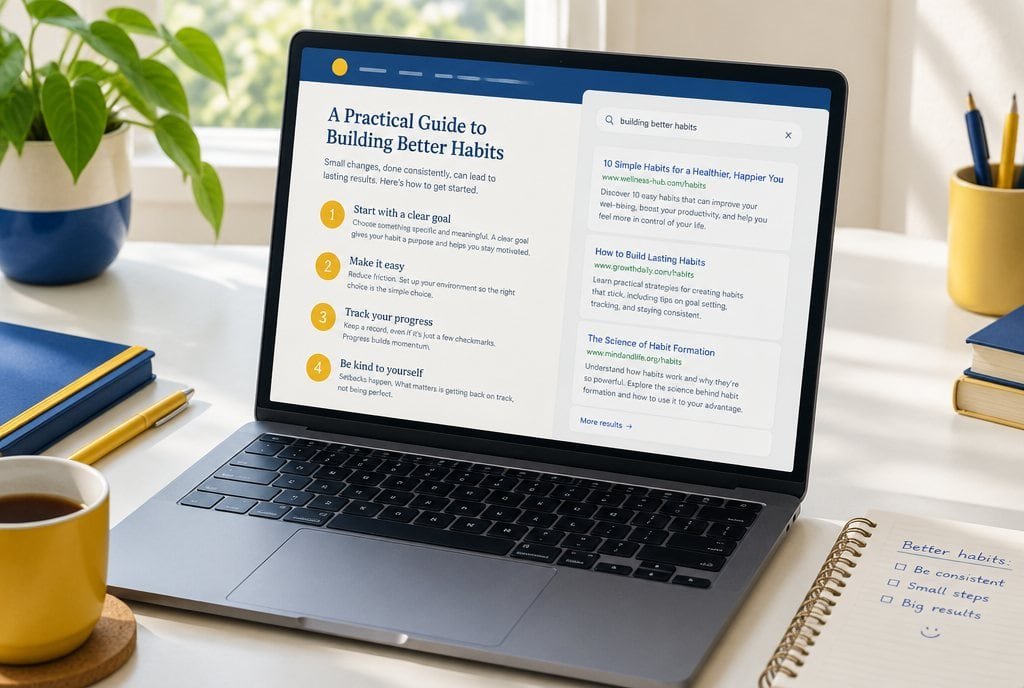
Step 2
Design and build
Approved designs become a theme and a store set up for your catalogue.
You get: A store ready to test.
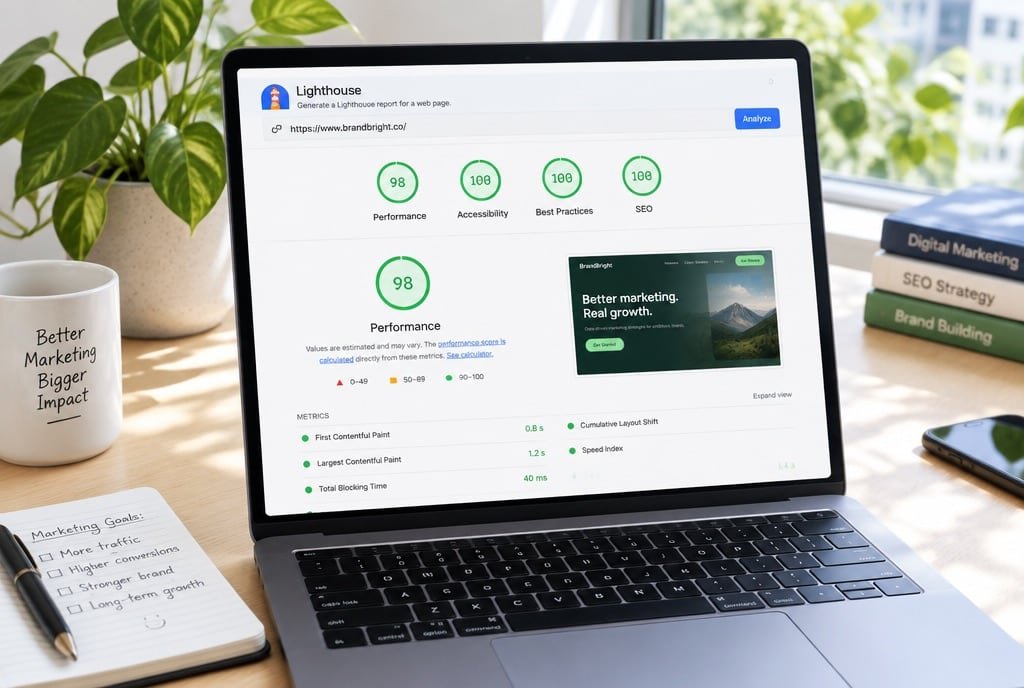
Step 3
Test and launch
We test checkout, speed, tracking and mobile before the switch, then migrate with redirects.
You get: A live store that loads fast and tracks orders.
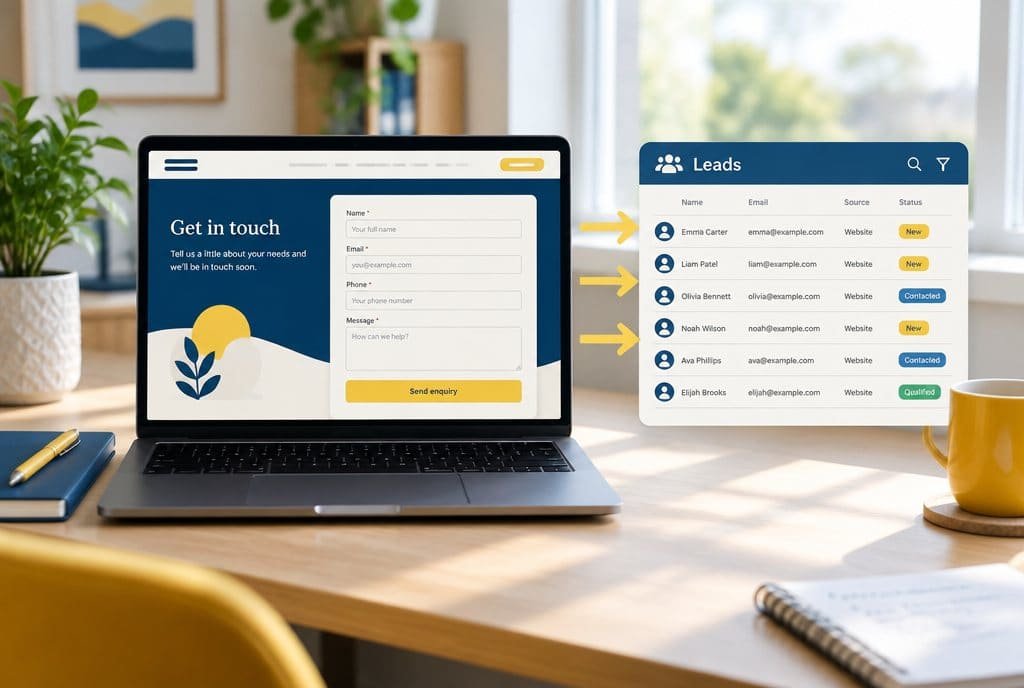
Step 4
Hand over and support
Your team gets a store guide, and we can stay on under website maintenance.
You get: A store your team can run with confidence.
Timing depends on scope. We agree it with you before work starts.
WooCommerce for brands that own their store.
A good fit
You want an owned store inside a WordPress site, with full control of data and extensions.
WooCommerce suits content-led brands, B2B sellers and D2C stores that need custom logic.
Not a fit
You want the least upkeep and a catalogue-led D2C store.
Shopify usually fits better, and we will say so on the first call.
Common questions
Questions about WooCommerce development.
What is WooCommerce?
It is a free plugin that turns a WordPress site into an online store, with product pages, a cart, checkout, payments and shipping. You own the store and the data, and you choose the hosting and the extensions.
Should I choose WooCommerce or Shopify?
WooCommerce suits a store that is part of a content-led WordPress site, or one that needs custom logic. Shopify suits a catalogue-led D2C store that wants less upkeep. We give a straight view on the first call. See Shopify development.
Can you move our store to WooCommerce?
Yes, from another platform or from an older WooCommerce build. We map products, customers and orders first, move them in a test copy, then switch over with redirects so search visibility is protected.
Does it work with Indian payments and shipping?
Yes. We connect the gateway you choose, such as Razorpay, plus UPI, cards and cash on delivery where it makes sense, and set shipping zones from your courier terms. Tax settings follow your accountant's advice.
Who looks after updates and security?
A WooCommerce store needs regular updates, backups and monitoring. We set them up at launch, and our website maintenance retainer can run them after.
How is this page different from your WordPress page?
The WordPress page covers content sites and themes. This page is about the store itself: catalogue, checkout, shipping, tax, orders and the speed of a shop that takes payments.
What does it cost?
A scope agreed after a call and written down, so you can see what is included. We do not publish a price list, because the catalogue, integrations and migration drive the work.

Plan your WooCommerce store with people who run one.
On a call, with a senior strategist. We review your catalogue or brief and say which platform fits.
Run the numbers, read the method
Tools and guides behind the numbers.
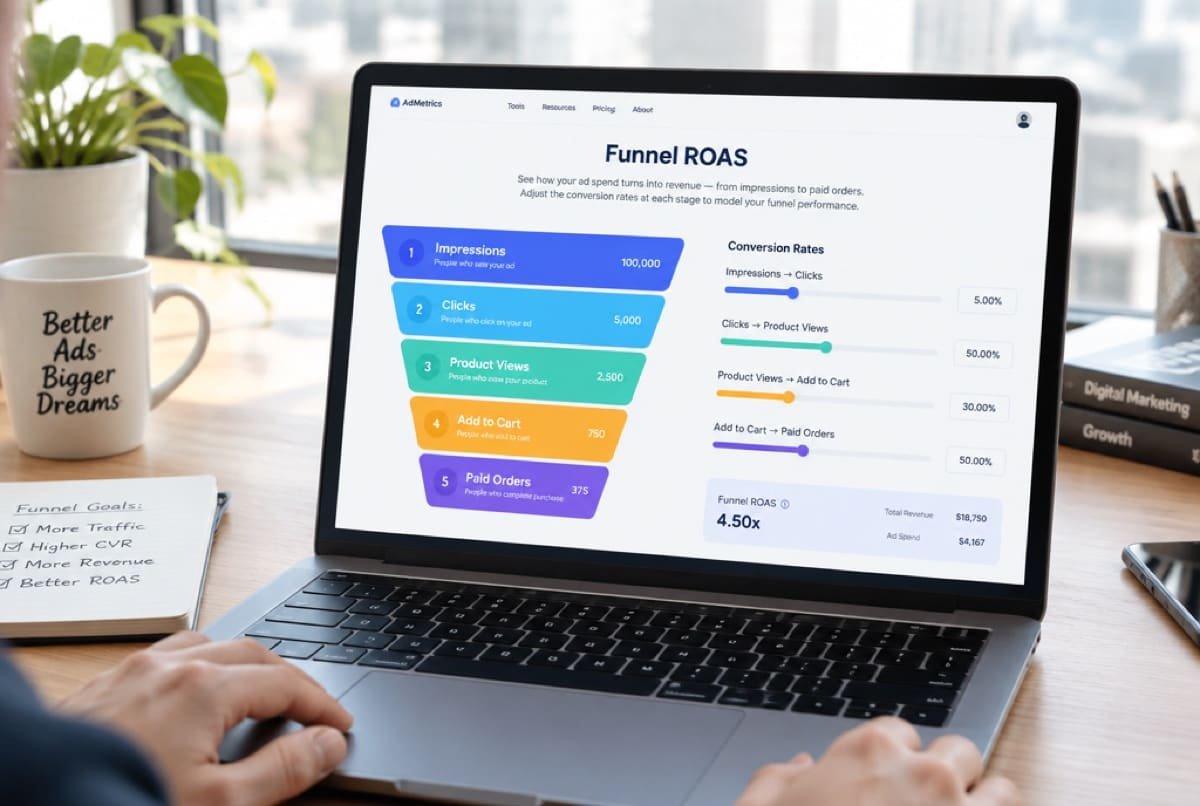 CalculatorFunnel ROASWhich step between an impression and a paid order is leaking.Open the calculator
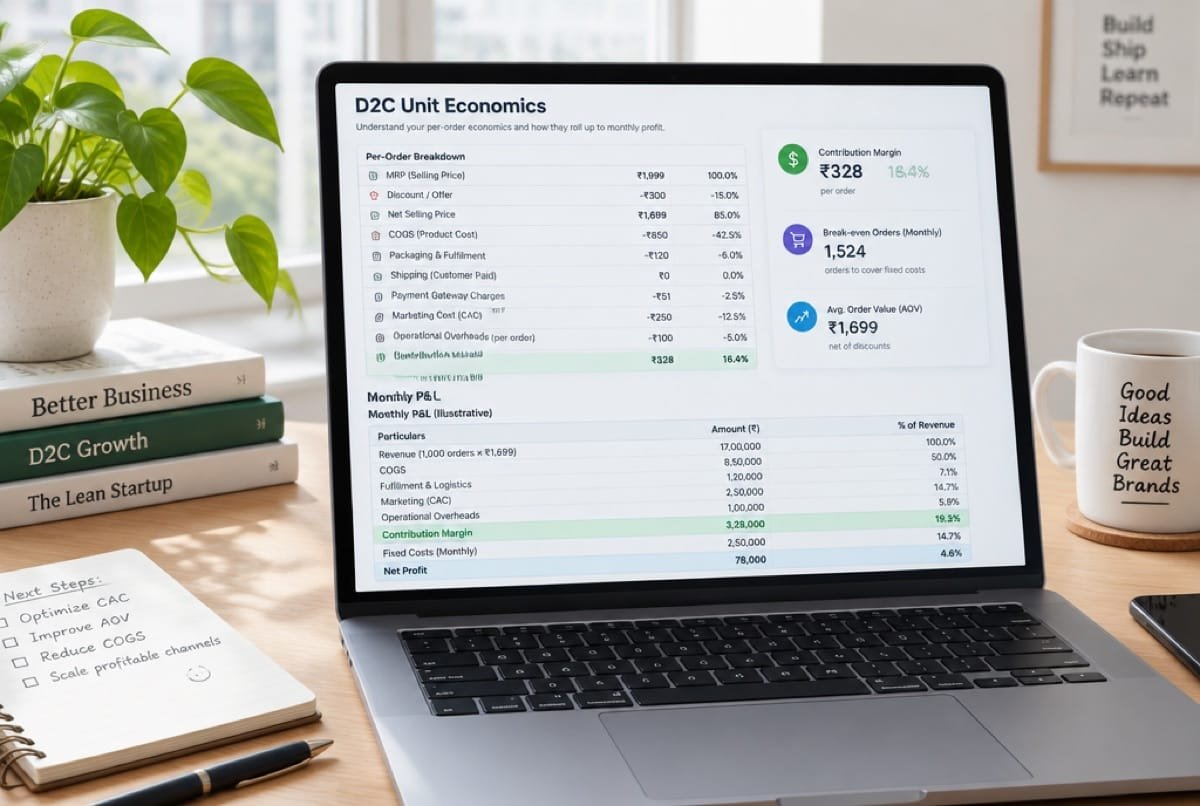 CalculatorUnit economicsWhat one order leaves behind, from CM1 to CM3.Open the calculator
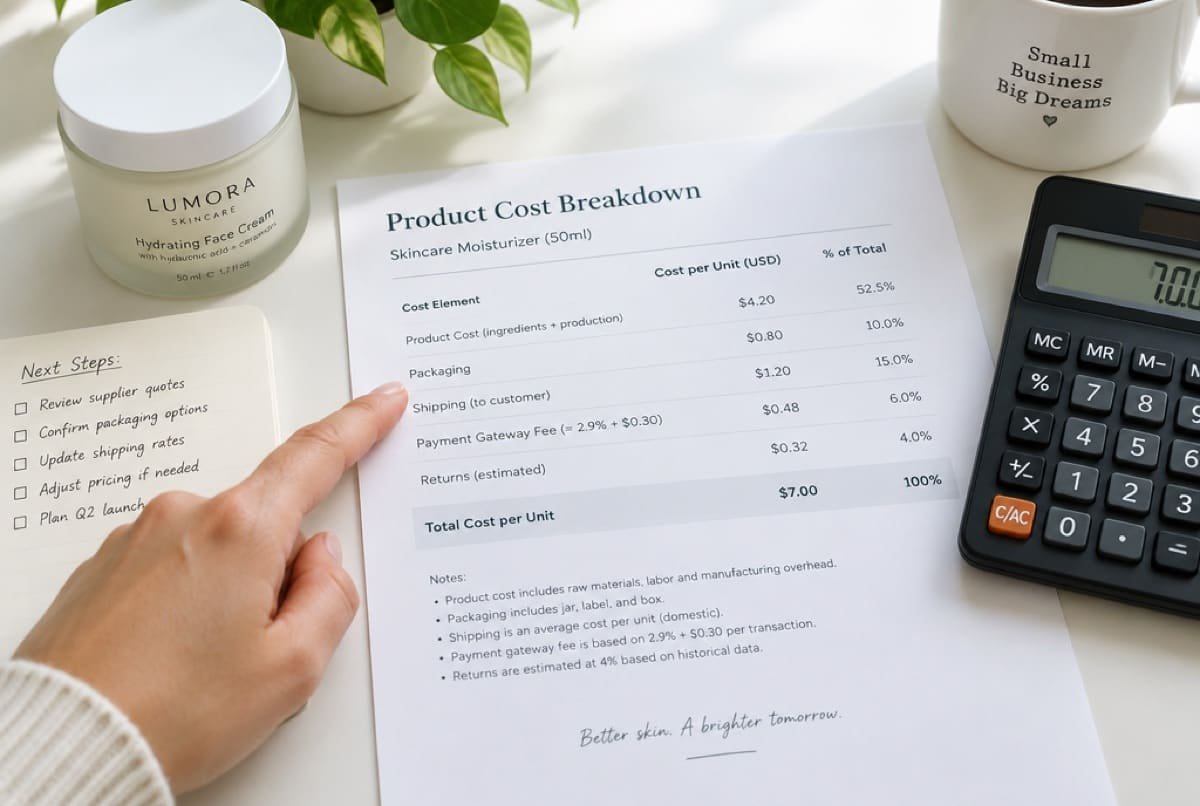 GuideContribution margin and break-even ROASWhat one order leaves behind after product, shipping, fees and returns, and the ROAS a campaign must beat to break even. Includes a calculator for your costs.Read the guide
Ready when you are
Plan your WooCommerce store with people who run one.
On a call, with a senior strategist. We review your catalogue or brief and say which platform fits.