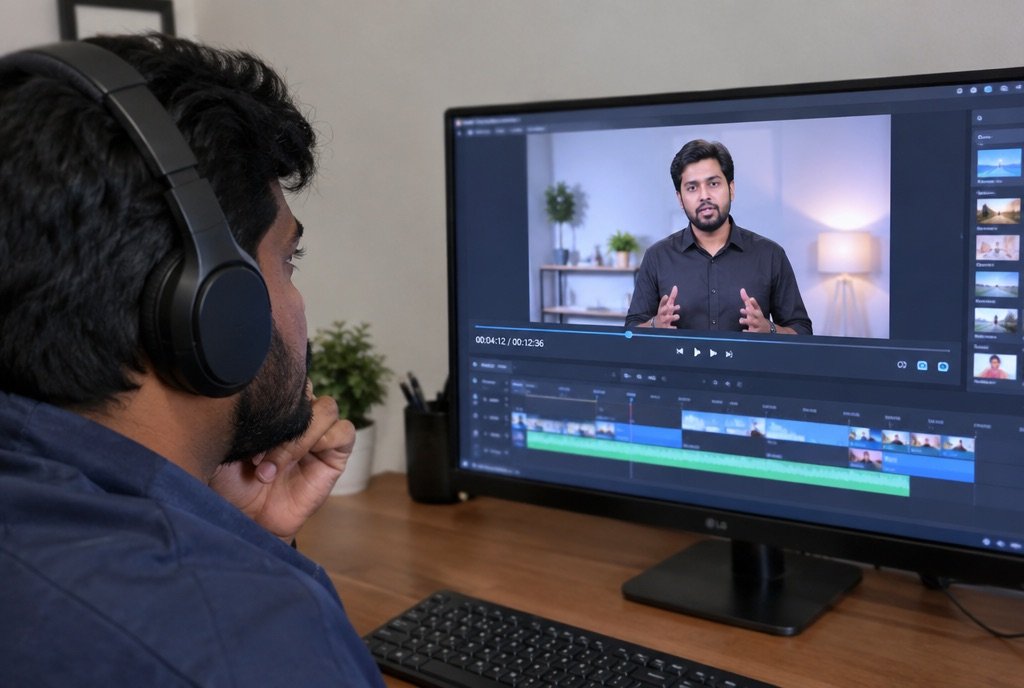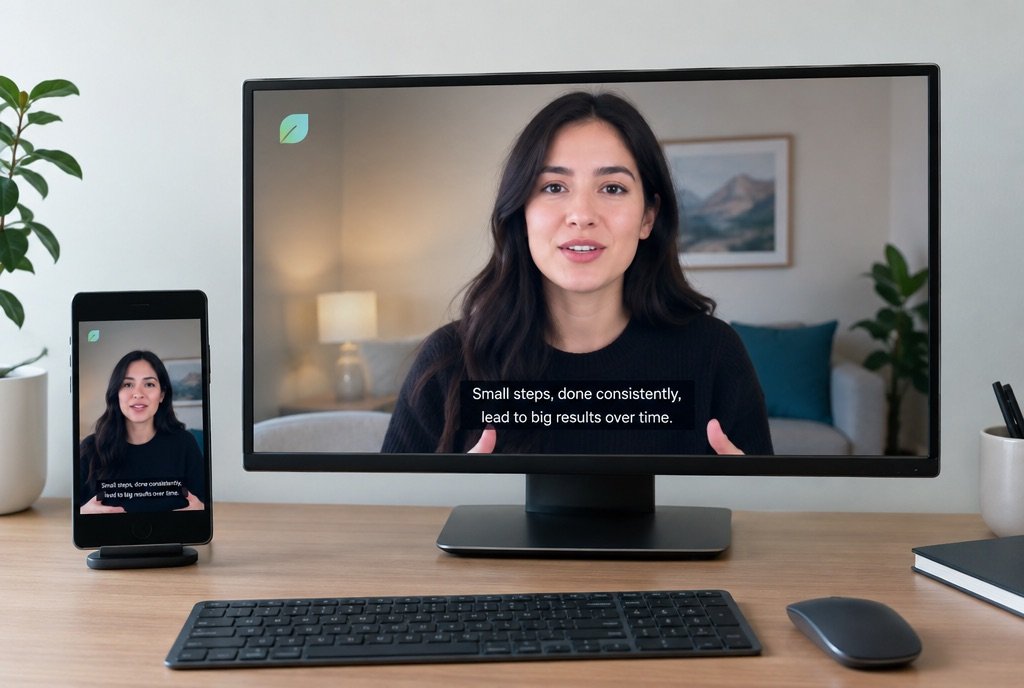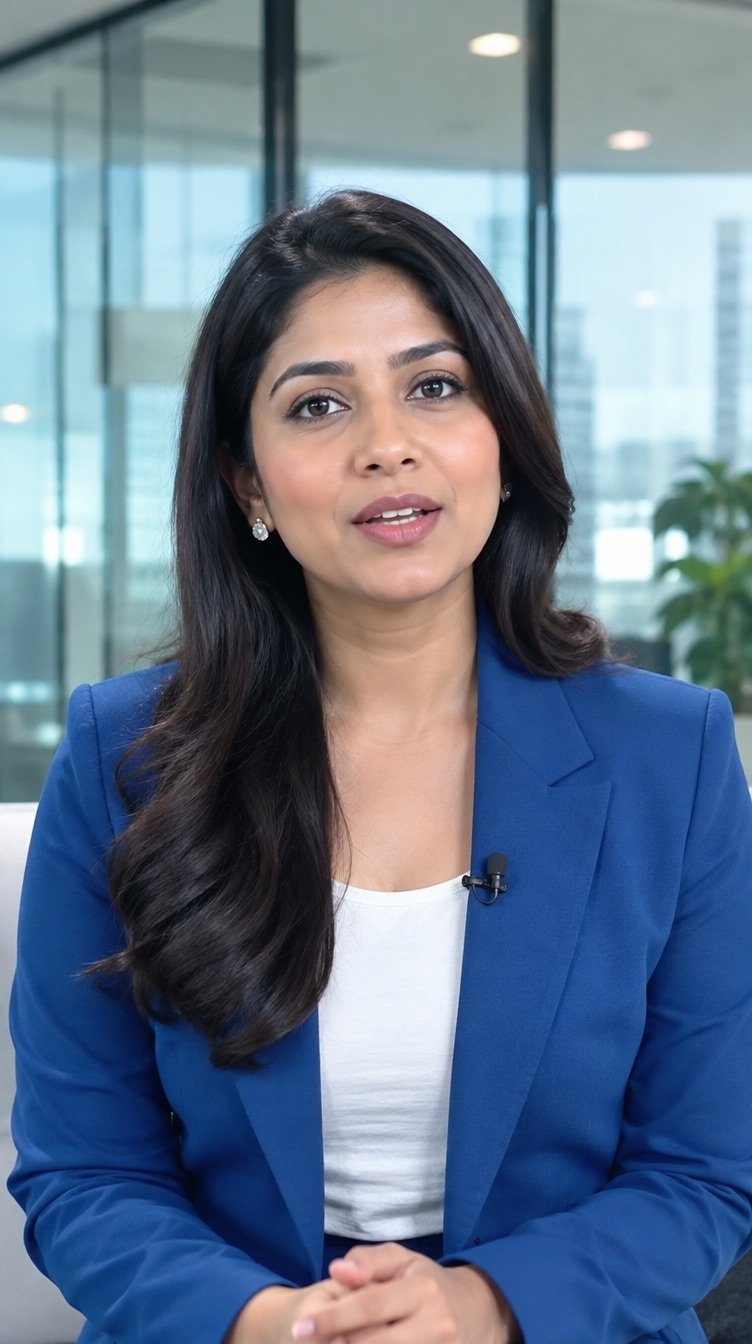
Sample videoA presenter in a smart blue jacket speaking to camera in a bright studio with a soft blurred office behind
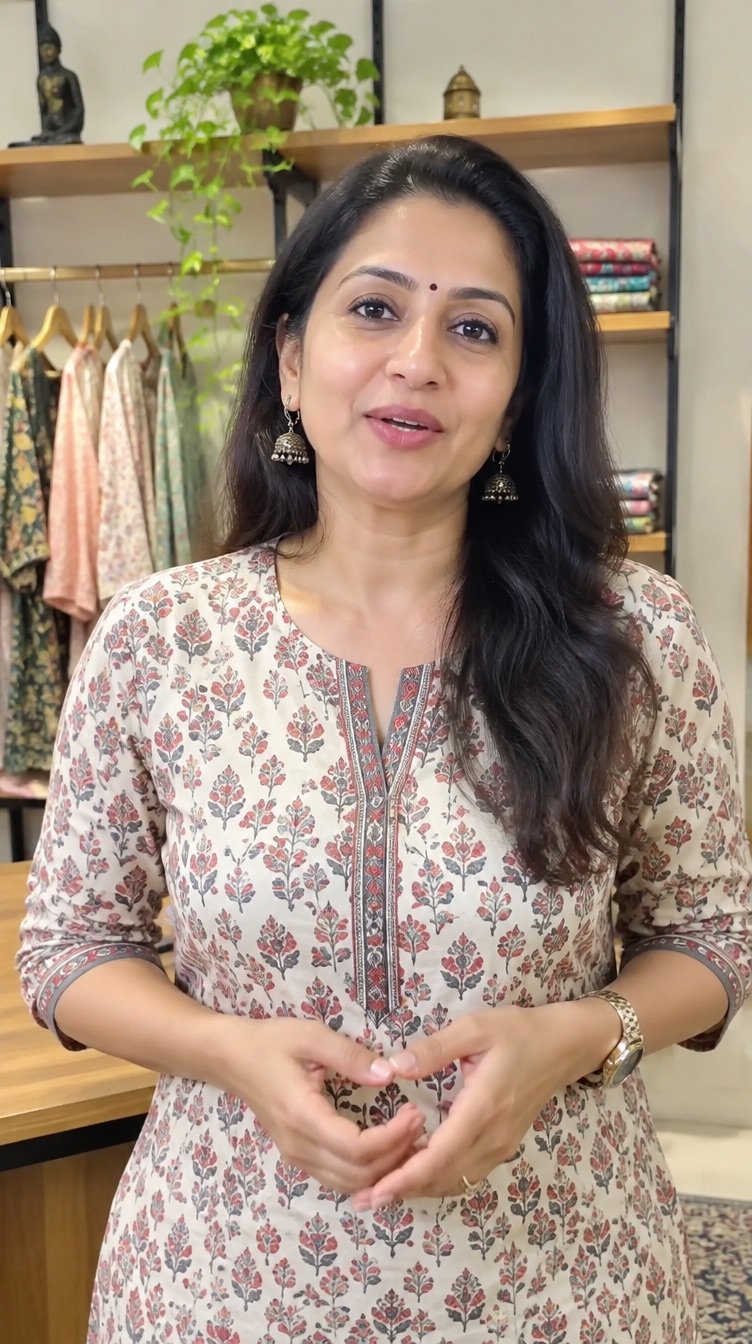
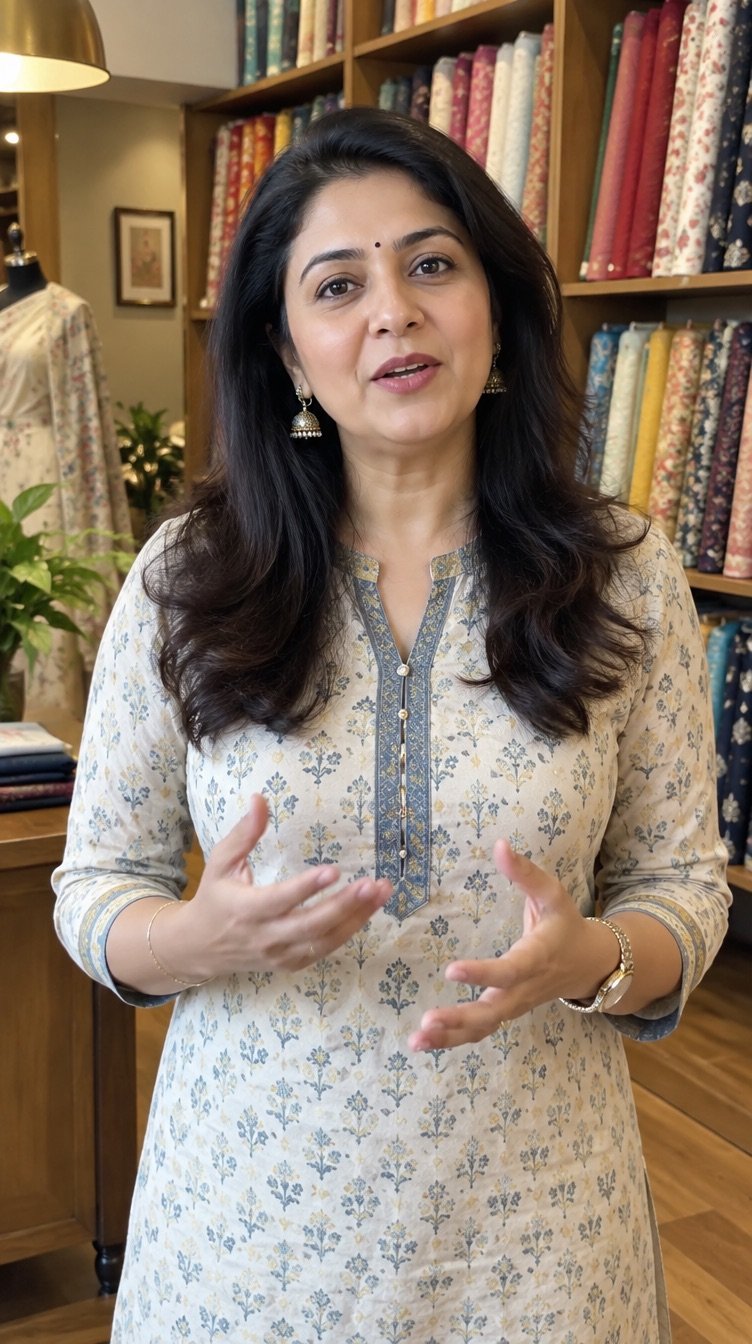
Sample videoA presenter in a kurta speaking to camera in front of a warm shop shelf
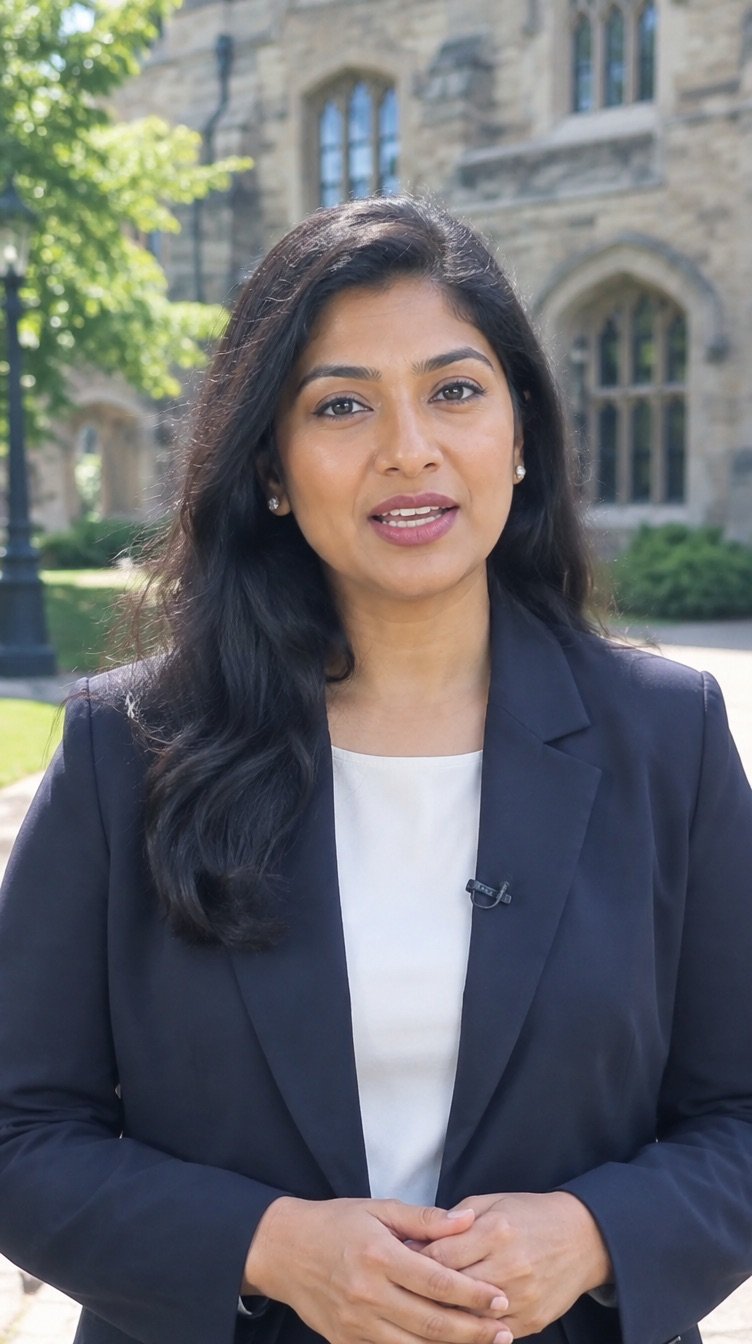
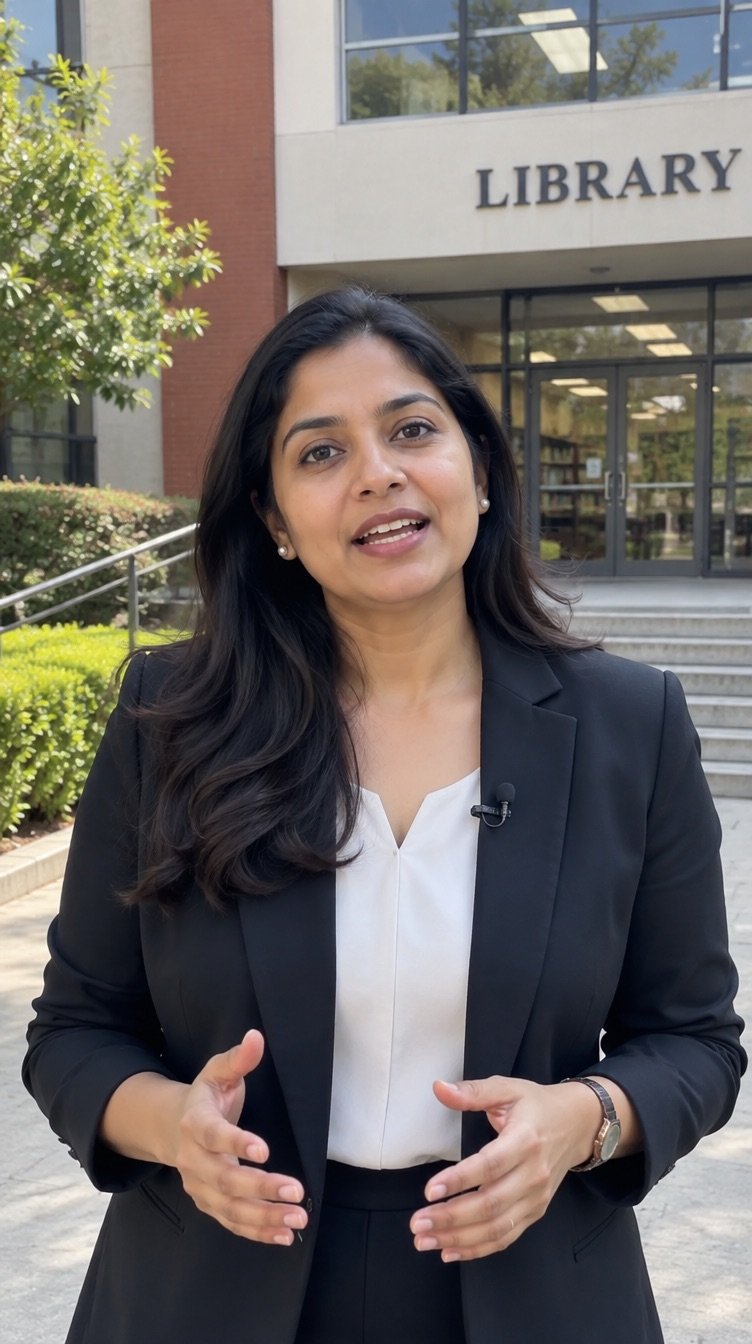
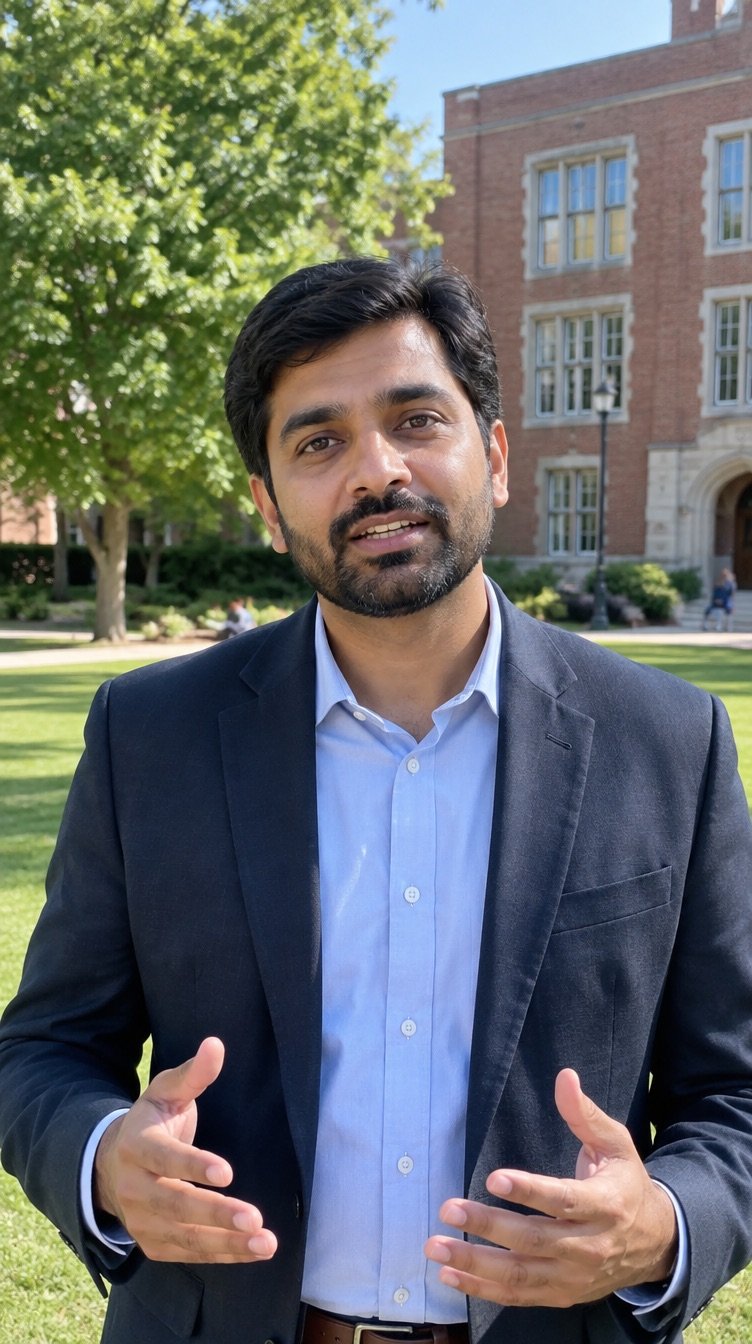
Sample videoA presenter in a blazer speaking to camera with a campus building in the background
Sample videoA presenter in a smart blue jacket speaking to camera in a bright studio with a soft blurred office behind, from a different angle
Sample videoA presenter in a kurta speaking to camera in front of a warm shop shelf, from a different angle
AI by MMC

A presenter who speaks for your brand, on demand.

Give us the script. We turn it into a presenter video, in the language and tone your audience expects, without booking a studio or a speaker each time.

See how it works
The short answer

An AI spokesperson video is a talking-presenter video generated from a script. MMC writes and approves the script with you, produces the presenter video with matching voice and lip movement, adds captions and branding, and delivers versions in the languages you need.

Plain languageOne paragraphNo jargon
See one in motion

One script. One presenter. One clip.

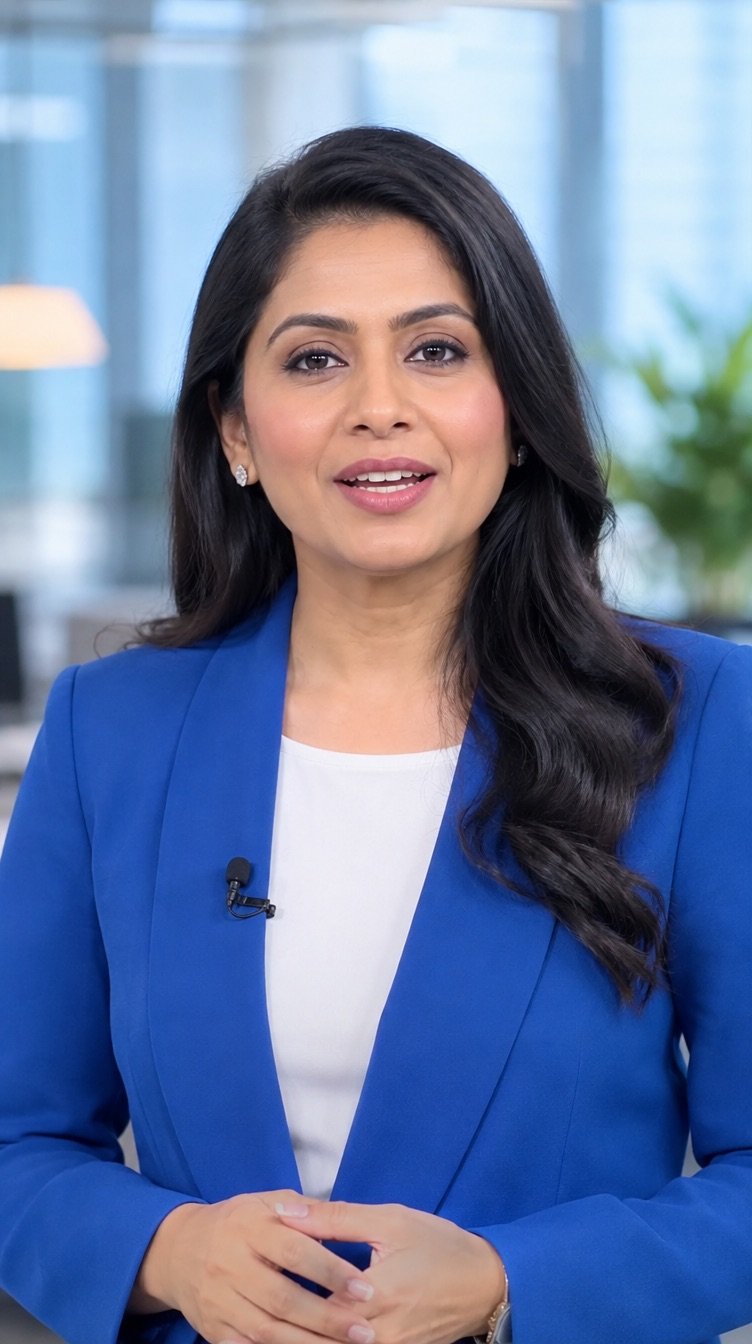
A sample made with one of our stock presenters. Yours is briefed to your script, your brand and your languages, then delivered ready for every channel.

  • Script
  • AI presenter
  • Captions
  • Multi-language
Sample clipAn Indian woman presenter in a blue blazer speaking to camera in a bright studio
How it works

Four steps from brief to live.

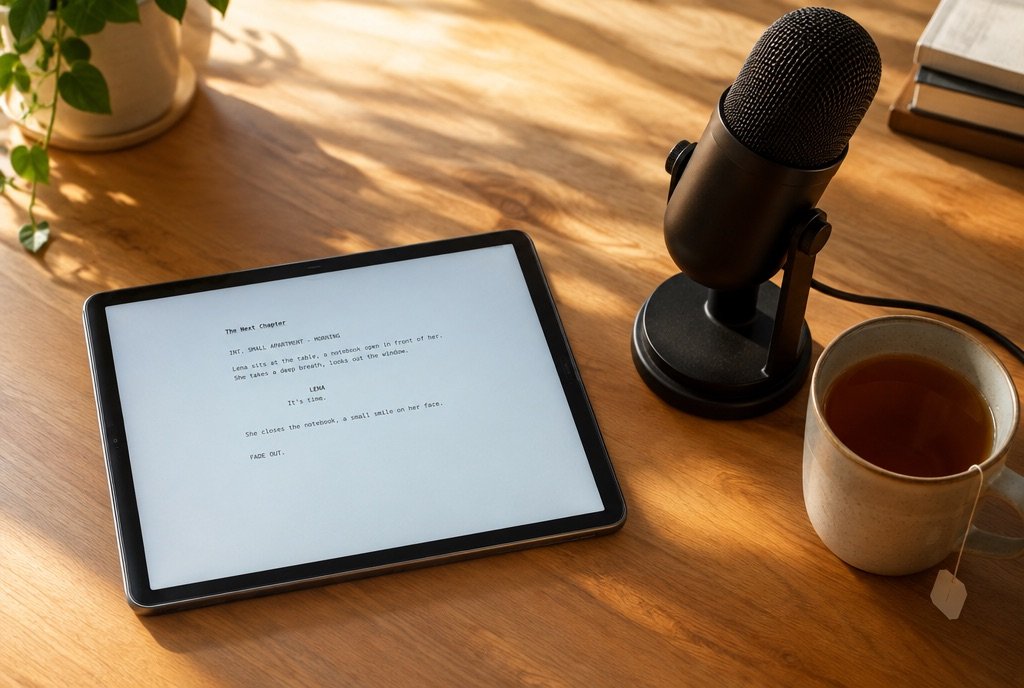
  1. A script on a tablet beside a microphone and a cup of tea

    Write the script

    We shape your message into a short, spoken script.

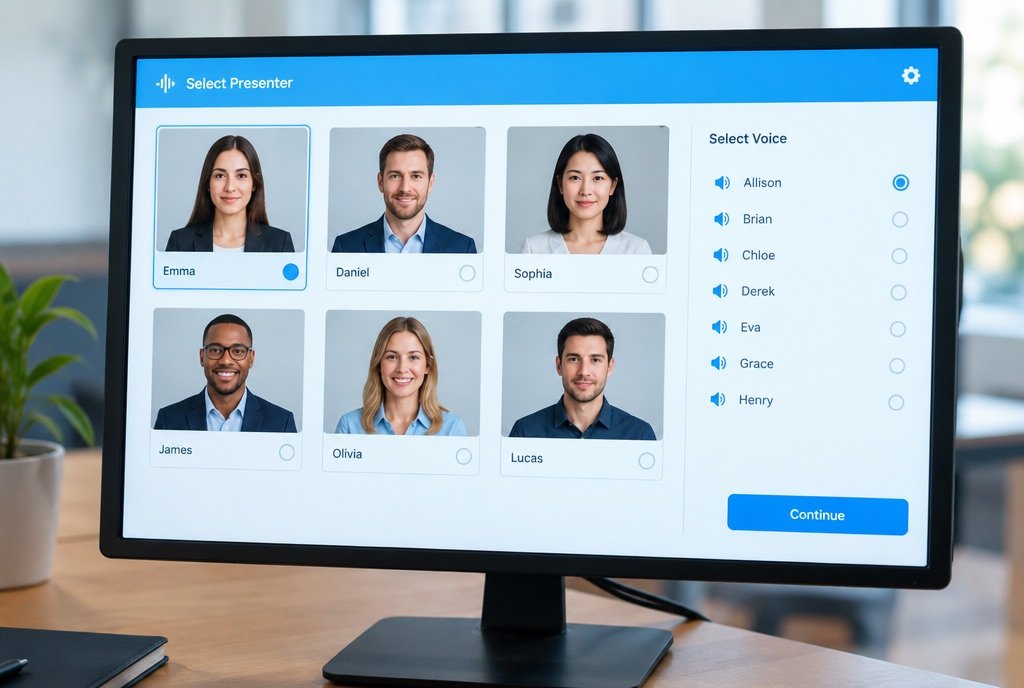
  2. A screen showing six presenter thumbnails with a voice list beside them

    Choose the presenter

    Pick the look, voice and language that fits your audience.

  3. A reviewer watching a presenter video on a monitor with playback controls

    Generate and check

    Video, voice and lip movement are produced and reviewed.

  4. A finished presenter video with captions and logo shown in phone and wide formats

    Brand and deliver

    Captions, logo, background and every format you need.

What you get

Built to be used, not just admired.

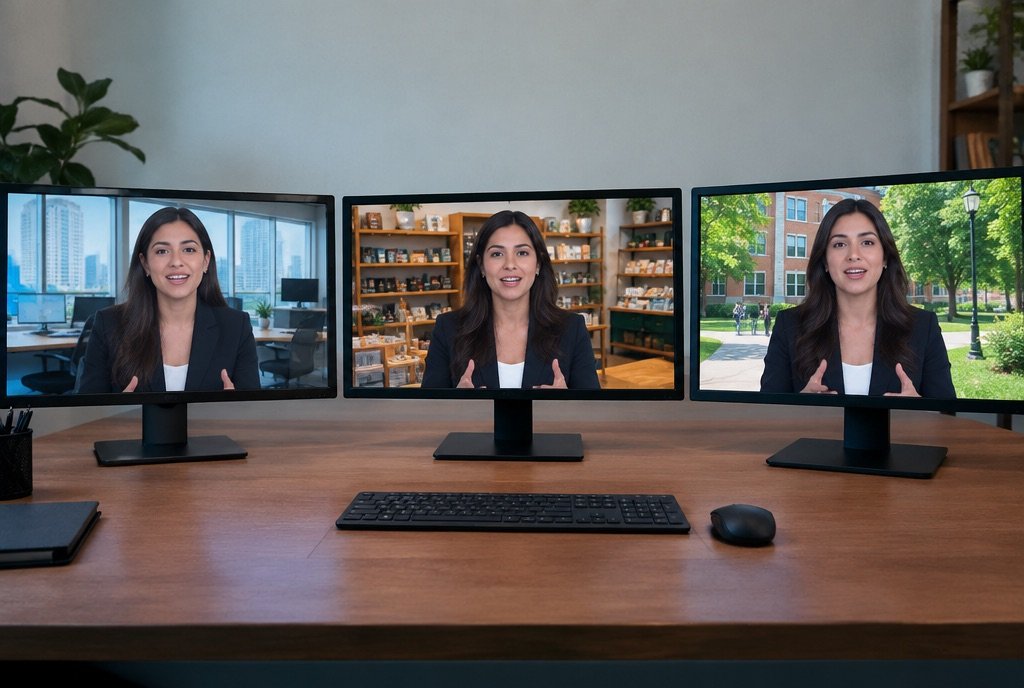
Three presenter videos in a row with the same script, different backgrounds

Consistent messaging

The same clear presenter across every video.
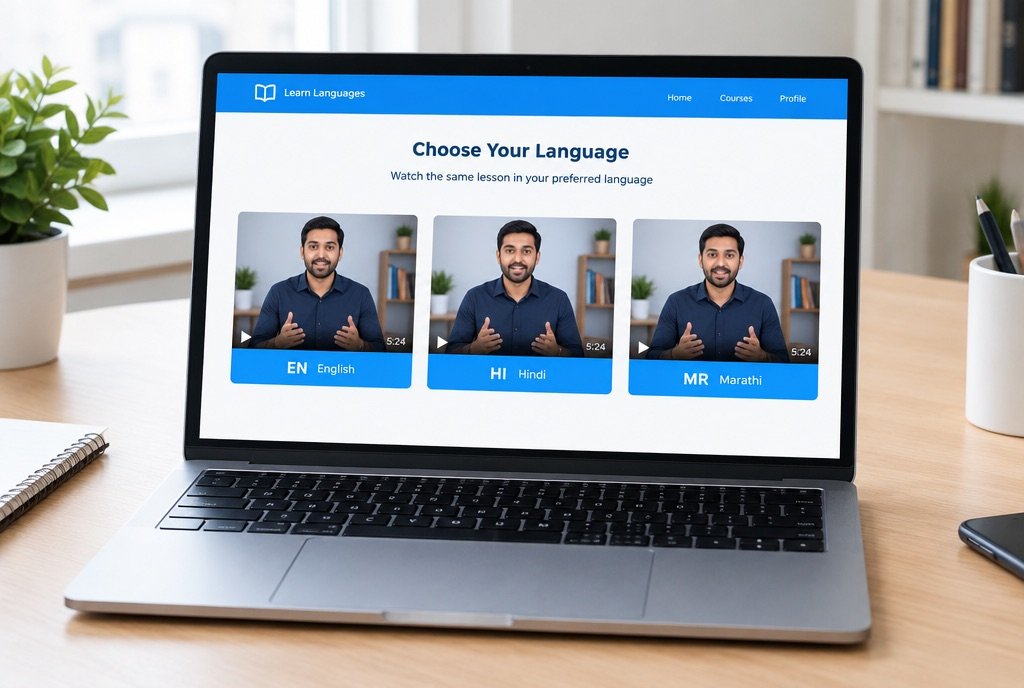
A single script mapped to English, Hindi and Marathi video thumbnails

Many languages

One script, produced for the languages your buyers use.
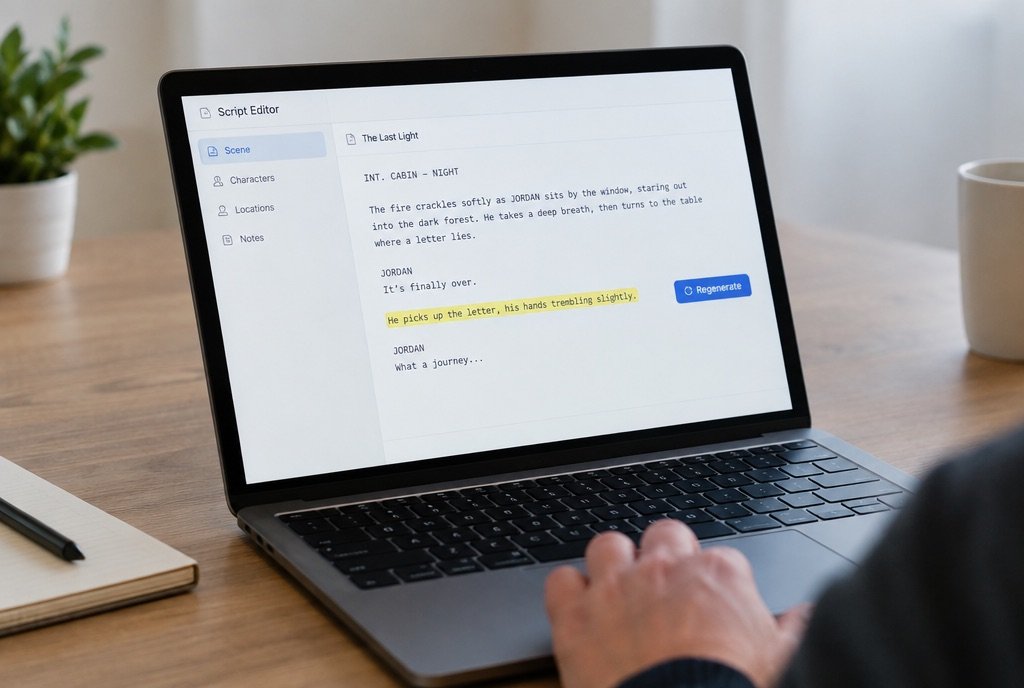
A script editor with one line highlighted and a regenerate button

Update in minutes, not days

Change a line of the script and regenerate.
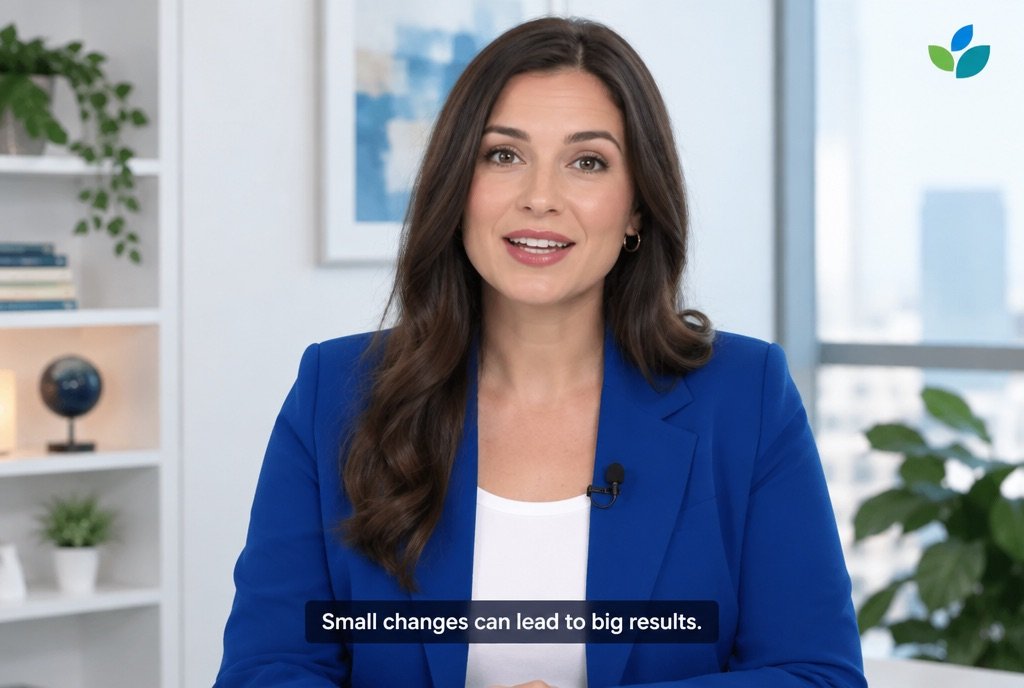
A presenter video with a logo watermark and a captions bar at the bottom

Branded

Your colours, logo and captions on every version.

Look and feel

The kind of clip we produce.

Sample videoVertical clip frame 1: A presenter in a kurta speaking to camera in front of a warm shop shelf
Sample videoVertical clip frame 2: A presenter in a blazer speaking to camera with a campus building in the background
Sample videoVertical clip frame 3: A presenter in a smart blue jacket speaking to camera in a bright studio with a soft blurred office behind
Sample videoVertical clip frame 4: A presenter in a kurta speaking to camera in front of a warm shop shelf
Sample videoVertical clip frame 5: A presenter in a blazer speaking to camera with a campus building in the background
Sample videoVertical clip frame 6: A presenter in a smart blue jacket speaking to camera in a bright studio with a soft blurred office behind
Sample videoVertical clip frame 1: A presenter in a kurta speaking to camera in front of a warm shop shelf
Sample videoVertical clip frame 2: A presenter in a blazer speaking to camera with a campus building in the background
Sample videoVertical clip frame 3: A presenter in a smart blue jacket speaking to camera in a bright studio with a soft blurred office behind
Sample videoVertical clip frame 4: A presenter in a kurta speaking to camera in front of a warm shop shelf
Sample videoVertical clip frame 5: A presenter in a blazer speaking to camera with a campus building in the background
Sample videoVertical clip frame 6: A presenter in a smart blue jacket speaking to camera in a bright studio with a soft blurred office behind
Who it is for

The same service, three audiences.

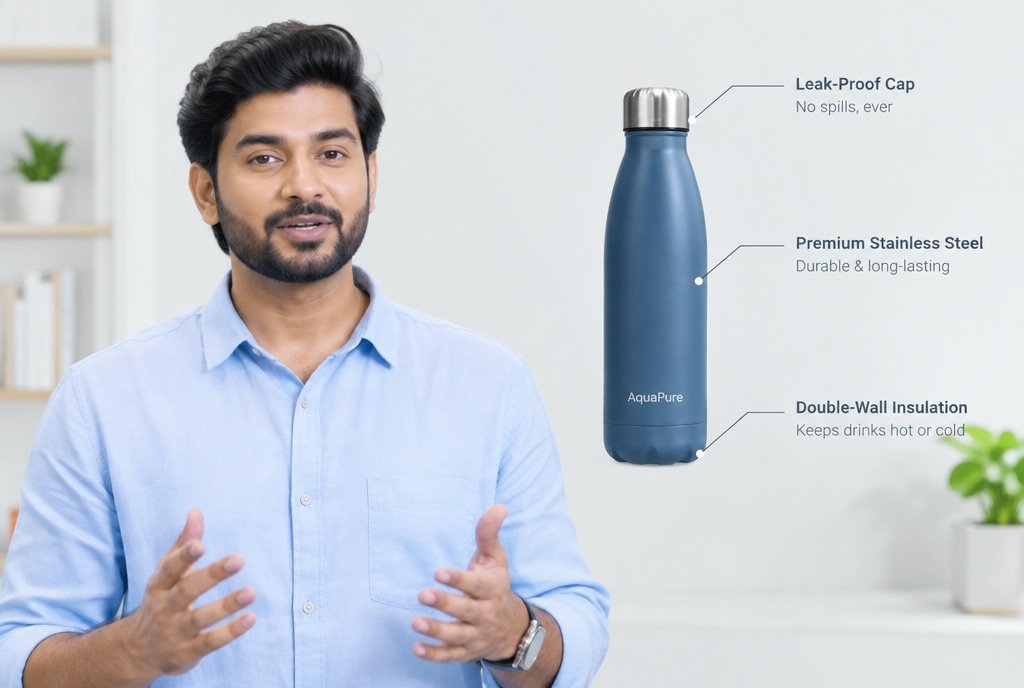
A presenter beside a floating product with three feature callouts

D2C brands

Product explainers, offer announcements and how-to videos.
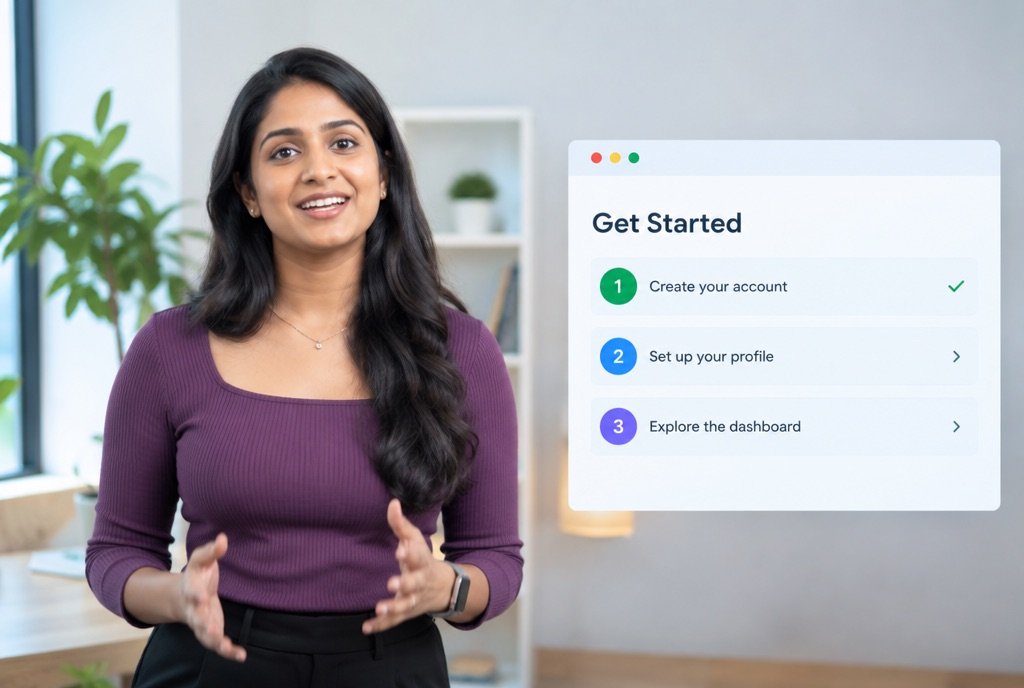
A presenter next to a software screenshot with an onboarding checklist

B2B companies

Product walkthroughs, onboarding videos and update messages.
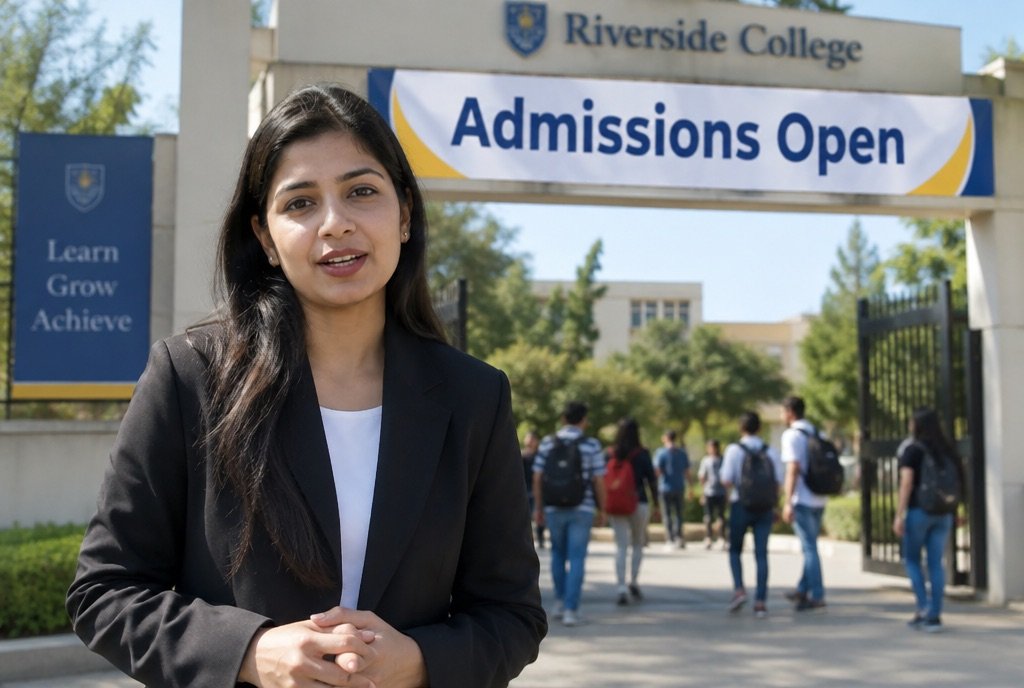
A presenter in front of a campus banner reading Admissions Open

Colleges and education brands

Welcome messages, course overviews and admissions updates.

Common questions

Before you ask.

Is the presenter a real person?

The presenters are AI-generated. If you want a specific real person, that needs their written approval and their footage.

Which languages are available?

A range of Indian and international languages. We confirm your list when we scope the work.

How do you handle lip movement and voice?

Voice and lip movement are generated together and reviewed by an editor before delivery.

Can we change the script later?

Yes. Update the script and we regenerate the affected parts.

Can videos be used in ads and on the site?

Yes. We deliver the formats each channel needs.

More from AI by MMC

Five other ways to put AI to work.

Start with a conversation

Ready to try AI Spokesperson Video?

Tell us what you sell and who you sell to. We will say where this service fits and where it does not.

See all AI by MMC
WhatsApp